On this page
A switch to step out of Google's AI
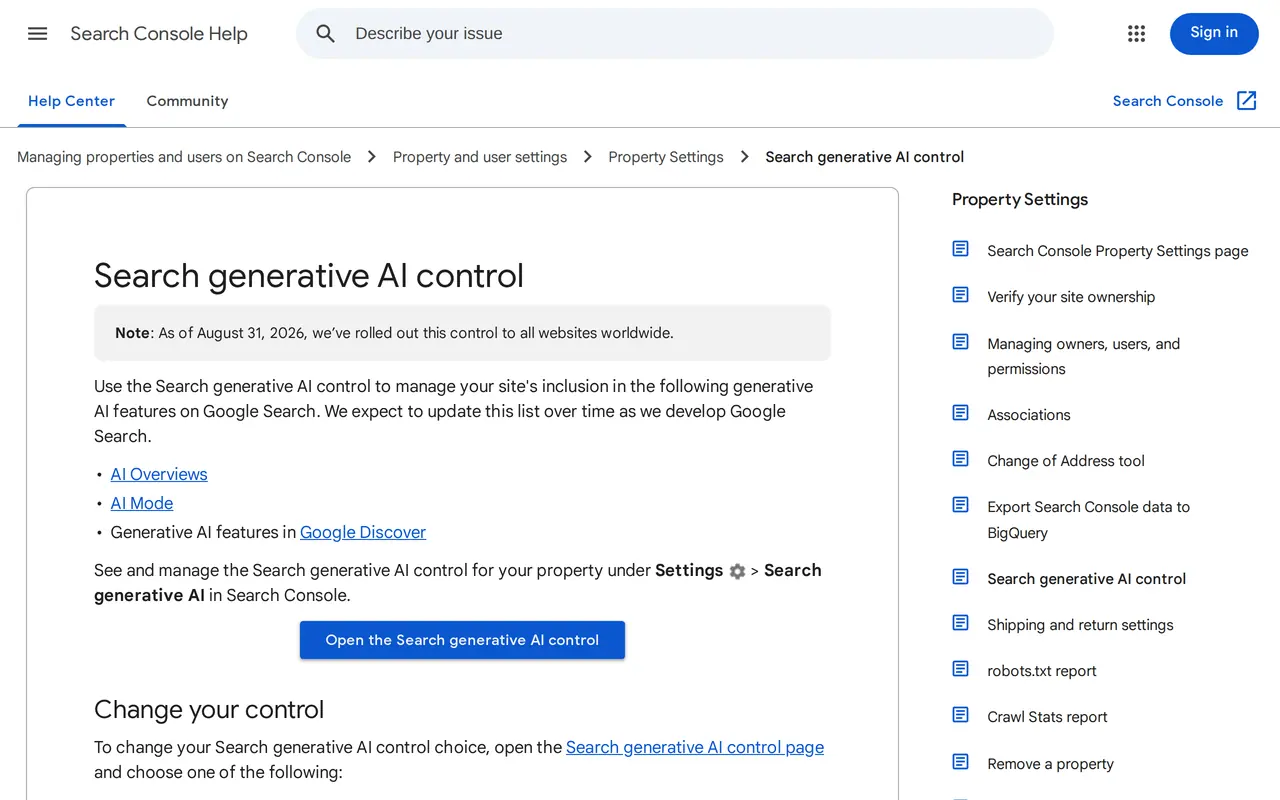
Since 31 August 2026 you can opt your own site out of Google AI Overviews. Every site owner finds the Search generative AI control in Search Console, under Settings. Exclude your site and it disappears from AI Overviews, from AI Mode and from the generative AI features in Discover. That usually takes one to two days after the choice goes live; caching can make it slower for some pages.
Google started in June with a test among a subset of UK site owners, while it was talking to regulators such as the UK Competition and Markets Authority. What the control does not do matters as much: it leaves your normal search results alone, it does not stop AI training and it does not remove you from the index. For most companies that sell a service or product, opting out costs more than it brings.
- AI OverviewsYour site takes partYour page can appear as source and linkAfter the opt-outNo link, no source, no impressions
- AI ModeYour site takes partYour page can be in the answerAfter the opt-outExcluded
- AI in DiscoverYour site takes partCan show your pageAfter the opt-outExcluded
- Normal search resultsYour site takes partRanking as usualAfter the opt-outUnchanged, the choice is no ranking signal
- Training of AI modelsYour site takes partHandled through Google-ExtendedAfter the opt-outUnchanged: the opt-out does not stop it
- Your Search Console numbersYour site takes partAI impressions per pageAfter the opt-outThese disappear, within one to two days
The choice applies per property and can be reversed. A child property follows its domain by default.
Which other control does what
The opt-out is not the only way to steer what Google does with your pages. Pick the wrong one and you lose more than you meant to, or keep exactly what you wanted gone.
| Control | AI Overviews and AI Mode | Normal search results | Training of AI models |
|---|---|---|---|
| Google-Extended in robots.txt | Not what it is for | Unchanged | Limits training of the models behind the AI features |
| nosnippet, data-nosnippet, max-snippet | Limits what Google shows from your page, AI answers included | Your normal snippet gets shorter or disappears too | Not what it is for |
| noindex | Your page disappears | Your page disappears | Not what it is for |
| Blocking Googlebot in robots.txt | Google stops crawling your pages | You largely drop out of Search | Not what it is for |
If you do not want AI to lift your text word for word but still want to be cited, data-nosnippet on a few paragraphs is often sharper than opting out the whole site. It also affects the featured snippet in normal results, so test it on one page first.
Opt out a folder instead of the whole site
The choice applies per property in Search Console. A property follows the closest parent that made its own choice, and otherwise the top-level domain. The owner of a URL-prefix property such as https://yoursite.com/blog/ can opt that folder out while the product and service pages stay in AI answers. The domain owner then gets a notification.
That makes a fair test possible. A French publisher opts out its news folder first, keeps its guides in, and after four weeks compares the AI performance report with the regular performance report. A site with one folder per language can choose market by market; see multilingual website development.
Opt out or stay in: the trade-off
- Visibility
- Stay inYou can appear as a source for questions you do not rank high for
- Opt outOnly in the normal results, below the AI answer
- Traffic
- Stay inFewer clicks per impression, but more impressions
- Opt outNo traffic from AI answers
- Your story
- Stay inAI summarises your page; you steer through what is on it
- Opt outAI answers with other sources, which may look like yours
- Who gains
- Stay inService firms, local businesses, whoever answers a question best
- Opt outPublishers who live on page views and ads
If you earn from ads on your pages, opting out may protect your business model. If you sell a service or product, you want to be named exactly where your buyer asks the question.
Questions before you flip the switch
Can I opt back in later?
Yes. You change the choice in the same place in Search Console and your site becomes eligible for the AI features again. Allow a few days for that to take effect too.
Will I drop in the normal results if I opt out?
No. Google does not use the choice as a signal for the rest of Search. Your positions below the AI answer stay as they were.
Can I still measure what opting out cost me?
Barely, because your AI impressions disappear. Export the AI report of the last few months first, so you have something to compare with.
Does this take me out of ChatGPT too?
No. The choice only covers the AI features of Google Search. Other assistants are kept out through their own crawler in your robots.txt.
What still happens after you opt out
Google says it itself: after your choice, content from other sites stays available in the AI features, and it may look similar to yours. Your buyer's question still gets answered, just without your name on it. Your content can also keep helping Search as a whole, for instance to understand the language of queries and pages. And the choice only works in Google Search: ChatGPT, Perplexity and Copilot keep reading your site unless you block their crawlers separately. The AI crawler checker shows who you let in today.
In Europe, regulators are also looking at how Google deploys its AI features under the Digital Markets Act; more in Google's DMA fine.
Better than leaving: become the source
AI Overviews and AI Mode cite pages that answer a question clearly, with facts anyone can check. One page per question with the answer in its first sentence, figures with a date, a named author. For a webshop: product pages with real specifications, prices and reviews, as in ecommerce SEO. How it works is in how to get found in ChatGPT, what GEO means in the glossary, and how it differs from classic SEO in SEO vs GEO.