Integrations
API integration services: four ways to make your systems talk
Two systems that exchange data on their own, so nobody retypes what is already somewhere.
Retyping is an integration done by hand
API integration services cost anything from a monthly workflow subscription to a custom integration with yearly upkeep; which one you need depends on what your two systems allow and how many rules sit between them. The question to start with is simpler: who in your company retypes data every week?
Orders from the web store into the accounts, leads from the website into the CRM, hours from an app into invoicing, bookings from Airbnb into your own calendar. Each of those is an integration run by a person. It is slow, it makes mistakes and it stops when that person is on holiday.
We are a studio in Ghent, Belgium, and we build integrations for our own platforms and for clients. Below: the four routes with what they cost to build and to keep running, what breaks when a vendor changes something, three integrations from our own work and the questions to ask a vendor before anyone writes code.
Which route for which case
Native integration
The connector one of the two systems offers itself
- Cost
- low
- Upkeep
- low
- Speed
- medium
- Risk
- low
When one side changesThe vendor changes it; you cannot adjust anything
Workflow in n8n or Make
A chain of steps between two APIs, paid per month
- Cost
- low
- Upkeep
- medium
- Speed
- medium
- Risk
- medium
When one side changesA step fails silently until someone reads the error
Custom API integration
Code that calls both APIs, with its own rules and error handling
- Cost
- high
- Upkeep
- medium
- Speed
- high
- Risk
- low
When one side changesWe change the code; tests show at once what broke
From our workThe mail layer with fourteen message types at DA Logistics, the form service of eleven client sites
Scheduled import
A file or feed read in at fixed times
- Cost
- medium
- Upkeep
- low
- Speed
- low
- Risk
- medium
When one side changesA column that moves; the import report shows it
From our workThe Airbnb and Booking iCal at No.4, the Excel import at Business Centrum
High is good for speed and bad for cost, upkeep and risk. The rating holds for an ordinary link between two systems with a documented API.
Four routes and what they cost
An integration depends on what both systems allow. With an API nearly anything is possible; with a webhook on every change it can also be fast. Without either, an export and an import remain.
| Route | When | To build | To run per year |
|---|---|---|---|
| Native integration | One of the two systems offers the connector itself | Usually nothing, or a higher plan | Inside your subscription |
| Workflow in n8n, Make or Zapier | Two systems with an API and a simple flow with few rules | A few hours to set up | n8n Starter 20 euro a month for 2,500 executions on yearly billing; Zapier Professional from 19.99 dollars a month for 750 tasks |
| Custom API integration | Rules no workflow tool knows, large volumes, or data that may not pass through a third party | 16 to 40 hours one way, 40 to 120 hours both ways with error handling | Hosting a small function and a few hours a year for API changes |
| Scheduled import | A system without an API, or data that may arrive once a day | 8 to 30 hours for an import with checks and a report | Close to nothing, until the file changes |
At the Belgian agency rate of 50 to 150 euro an hour, a custom integration costs about 800 to 6,000 euro one way and 2,000 to 18,000 euro both ways. We quote a fixed price per project after a first call. Which workflow tool fits is covered in Make, Zapier or n8n, and what n8n leaves free in is n8n free.
Three integrations from our own work
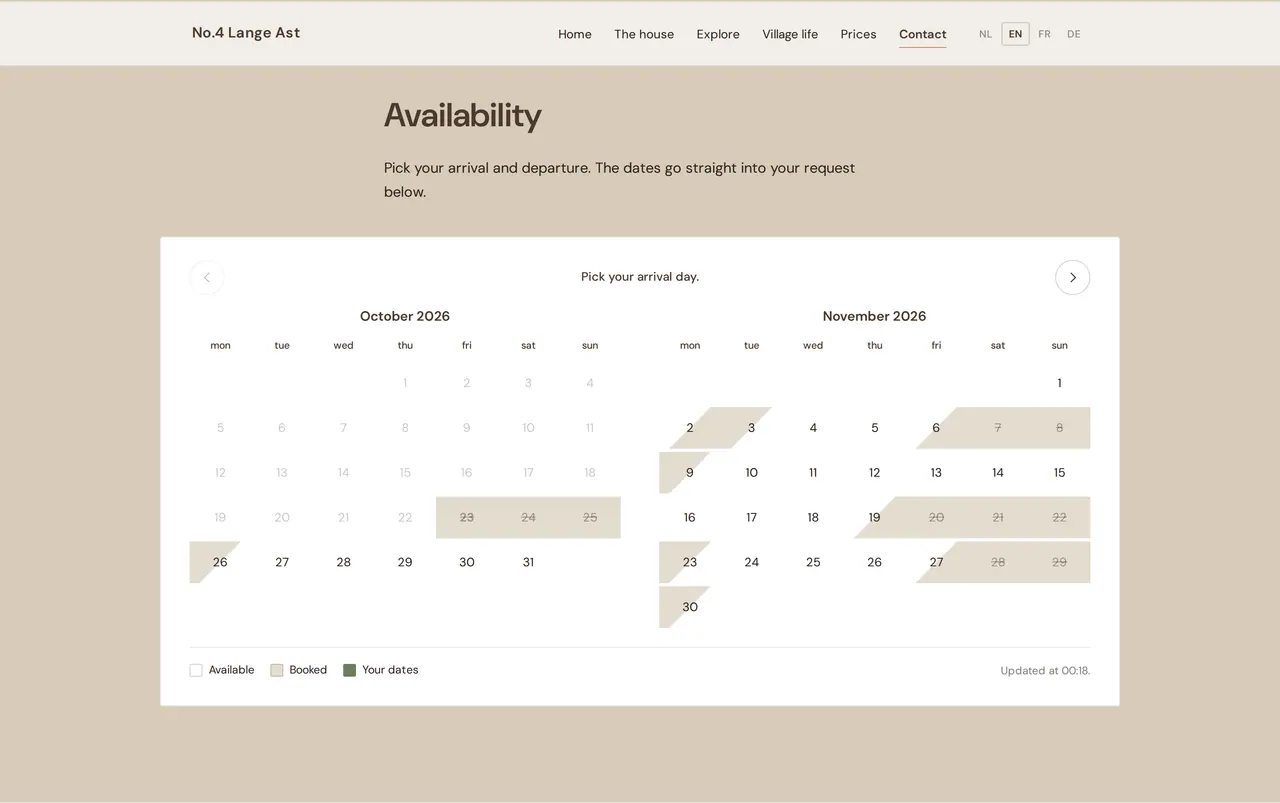
- Airbnb and Booking.com into one calendarAt No.4 Lange Ast a WordPress plugin reads the iCal calendars of Airbnb and Booking.com and shows the free dates on the owner's own site, with a booking request form. A scheduled import: no API needed, but a check on what arrives. How that works for a guest house is on bed and breakfast booking software.
- A spreadsheet that became a platformThe management platform of Business Centrum reads their Excel file in, with a report per import showing what came in. Tested on their real file with 309 employers and 971 employees. The road there is in replace Excel with software.
- Fourteen message types out of a planning boardThe transport platform of DA Logistics sends mail to drivers and office staff from what happens in planning, fleet and staff files: fourteen message types, each with its own trigger. A custom link between the platform and a mail service.
A workflow tool or a custom integration
Most teams start with a workflow tool. These are the signs it is time to move on.
- Good for
- Workflow in n8n, Make or ZapierA trigger and a few steps between well-known apps
- Custom integrationRules with exceptions, both directions, large volumes
- Errors
- Workflow in n8n, Make or ZapierAn email alert someone has to read
- Custom integrationTests against a sandbox and an alert when nothing arrived
- Data path
- Workflow in n8n, Make or ZapierThrough the vendor's servers, unless you host n8n yourself
- Custom integrationDirectly between your systems
- Cost curve
- Workflow in n8n, Make or ZapierGrows with tasks or executions
- Custom integrationMostly upfront, small yearly upkeep
- Who can change it
- Workflow in n8n, Make or ZapierAnyone on your team with access
- Custom integrationA developer, with a change log
Stay on a workflow tool while it runs without anyone watching it. Move when your team starts checking it every week.
When one side changes
Every integration hangs between two systems you do not own. Vendors rename fields, tighten rate limits and retire versions. It will happen; the question is who notices.
For a custom integration we write tests that call the real API in a sandbox, and an alert that fires when a day passed without data that should have come. An import produces a report each run, so a shifted column shows before it reaches your accounts. And iCal is not a live link: each platform fetches the calendar at its own pace, so between a booking on Airbnb and a blocked day on your own site there is always a window. Where that window is too wide, you need a channel manager or an API.
The sum: hours of retyping against the build
An integration pays back in hours nobody spends retyping. Put your own figures in.
| Today | With a custom integration | |
|---|---|---|
| Hours of retyping a week | 5 | 0.5 to check |
| Working weeks a year | 46 | 46 |
| Hours a year | 230 | 23 |
| Employer cost per hour, assumed | 40 euro | 40 euro |
| Cost of retyping a year | 9,200 euro | 920 euro |
| Build, one-off | 6,000 euro | |
| Upkeep a year | 600 euro |
In this example the integration saves 8,280 euro a year in hours; after upkeep 7,680 euro remains, and the build pays back within the year. Use the full employer cost per hour, not net pay, and leave out the errors that stop happening: they only make the case stronger.
What to ask your vendors before you start
- Is there an API, and where is its documentation?
- Which data can the API read, and which can it also write?
- How many calls per minute or per day does it allow?
- Does the system send a webhook on a change, or do you have to poll it?
- Is there a sandbox where we can connect without touching real customers?
- Does API access cost extra, or is it only in a higher plan?
- How are changes announced, and how long does an old version keep working?
- Where is the data stored, and may an integration route it through a third party?
Where an integration ends and software begins
Sometimes the gap between your systems is not an integration but a missing system.
- Customers in three placesthe answer is often a custom CRM that feeds the rest.
- Stock, purchasing and planningthat must agree: that is a custom ERP, and CRM vs ERP shows the line between them.
- Invoices that arrive by mailand need booking: read invoice automation, and for e-invoices between Belgian companies Peppol.
- A planning spreadsheet everyone sharesstart at Excel scheduling or planning software.
- A website that prepares quotesa product configurator sends every choice straight to your CRM.
Most integrations we build sit inside AI automation; when one grows into a system of its own, read custom software and what it costs first.
AI automation
How VBS helps you with this
We make emails, quotes, documents and follow-up run by themselves, built into the way you already work.
- One flow per task, from form to confirmation
- A person approves what matters
- Runs on AWS, with a log and an alert when something fails
How we approach it is on our page about AI automation.
Which integration fits your systems?
Send us the list of your systems and what gets retyped today, with the hours a week. After a call you get the route that fits and a fixed price, upkeep included.
Rather get in touch right away?