
AI customer service
AI customer service that opens your inbox for you
AI customer service sorts your email, drafts replies from your own knowledge and leaves every decision with your team.
Customer service in a small company is a shared inbox
AI customer service is for the company without a call centre: an info@ address, a phone, a WhatsApp number and three colleagues who answer in between their real work.
The system reads every incoming email, tags its type and urgency, finds the answer in what you already know (your prices, schedule, terms and the client's file) and prepares a draft. Your colleague reads, edits and sends. A complaint goes to the top, an invoice goes to accounts, a data request gets its deadline.
This page is about your team's inbox and tickets. The chatbot that talks to visitors on your website is a different project, and so is an assistant that helps staff search internally. Here you find what AI does in customer support, what it costs and returns, which help desk tools exist and which EU rules apply.
Inbox work that eats an hour every morning
In most small companies nothing goes wrong out of carelessness. It goes wrong because of the shape of the work. We see the same things every time:
- Everything lands in one pileA complaint about a leak, a question about opening hours, a supplier invoice and a wave of spam sit side by side. Whoever opens the inbox sorts first, and the urgent email is number fourteen.
- The same answer, every day againWhen is the technician coming, what is the delivery time, where is my invoice. Each answer is looked up and typed again.
- Nobody sees what is left waitingAn email without a reply after two days only shows up when the client calls.
- Deadlines you do not seeWhen a client asks what personal data you hold on them, Article 12 of the GDPR gives you one month to respond, extendable by two months for complex requests. That email looks like any other.
- Messages that cost moneyIf you answer clients through the WhatsApp Business API, you have paid since 1 October 2026 for service messages above 1,000 per phone number per month; see WhatsApp Business pricing.
An AI layer takes over the sorting, looking up and drafting. Answering with judgement, deciding on a refund and talking to an angry client stay with your team. How this works in a restaurant or hotel, allergens included, is on AI in the hospitality industry.
Monday morning in the shared inbox
Monday, 07:58
Example with made-up emails
- Leak under the new kitchen sinkClient since 2021Moved to the top, call-back request for this morning
- QuestionDo you work on Saturdays?New visitorReply drafted from your opening hours
- QuotePrice for a 6 m² bathroom?Via your websiteDetails sorted, added to your quote list
- InvoiceInvoice 2026-118SupplierForwarded to accounts
- QuestionWhen is the technician coming?Existing clientReply drafted from your schedule
You read five drafts instead of five emails, and you press send yourself.
What AI does in your customer service, process by process
This is what AI does reliably in a small company's customer service today, and where your team keeps deciding.
| Process | Today | With AI customer service | What you gain |
|---|---|---|---|
| Sorting | Someone reads everything to see what is urgent | Type and urgency on arrival: complaint, question, quote, invoice, spam | The urgent email is at the top |
| Answering routine questions | Look it up and type it | A draft in your own tone, from your knowledge and the client's file | Read and send instead of write |
| Routing | Forward and hope it arrives | Invoice to accounts, technical question to planning, with a summary | Nothing stuck with the wrong person |
| Follow-up | Visible only when the client calls | A list of what is still open after two working days | No forgotten client |
| Data requests | Look like any other email | Recognised and flagged with the one-month deadline | On time, with a record |
| Phone after hours | Voicemail nobody plays back | The call transcribed and summarised, with a call-back request | You call back with context |
| Handover | Read a long email thread | A five-line summary of the whole thread | A colleague takes over in a minute |
If you also want AI to answer on your website before a question reaches your inbox, add an AI chatbot. If the system should act as well, such as moving an appointment in your schedule, it becomes an AI agent. If your team searches internal procedures and manuals, see custom ChatGPT for your business. The full offer is on AI for business, flows that connect email and systems on AI automation, and a place of their own for your clients on client portal development. Why a team in Belgium can be the right call is on nearshore software development.
Calculators that prevent questions
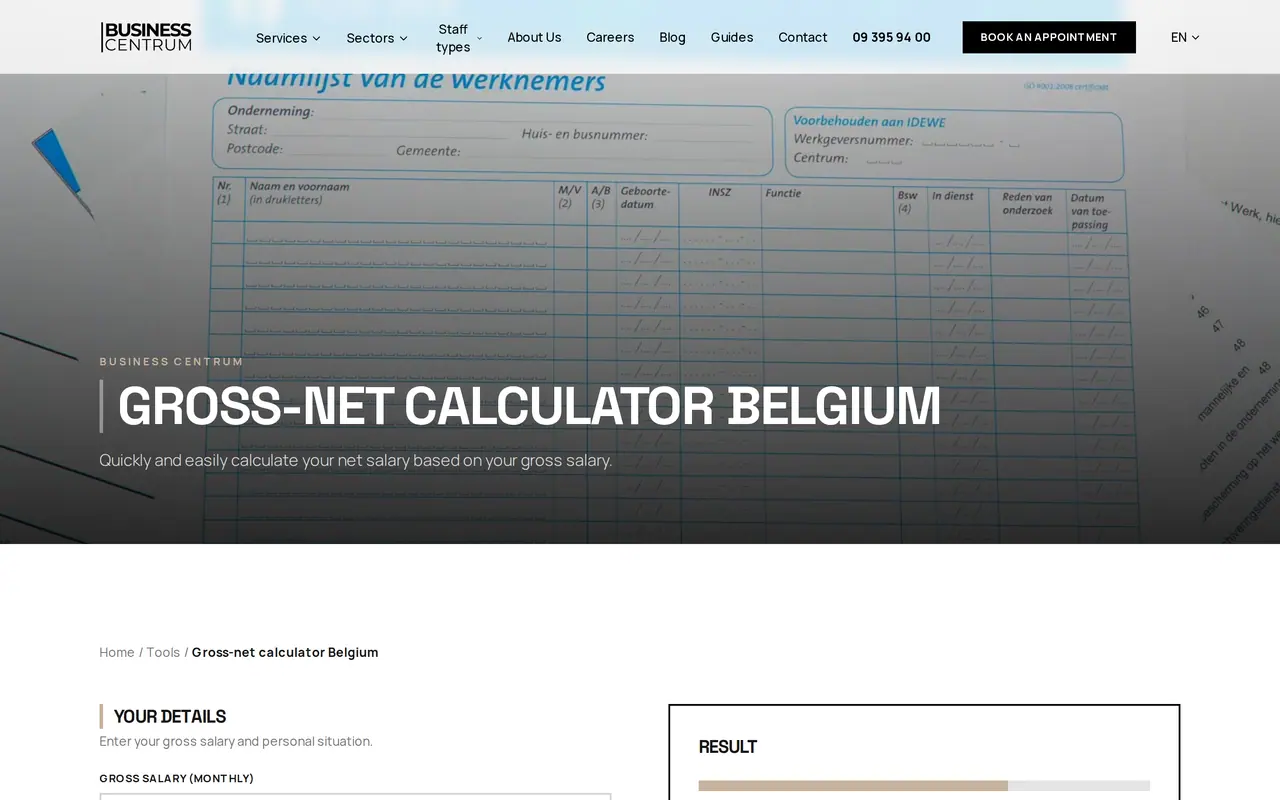
The cheapest customer question is the one nobody asks. For Business Centrum, a payroll bureau in Ghent, we built a site in four languages with four calculators, such as one for notice periods: visitors fill them in and see their answer at once, without anyone picking up the phone.
AI customer service does the same for questions that do not fit a form. Whatever does fit a form, we turn into a tool on your site.
- Routine questions solved before they arrive
- Fewer emails in the inbox
- Your team keeps time for the hard conversations
Customer emails in hours and euros: a worked example
Take an installation company where three colleagues answer 1,200 client emails a month, about 55 per working day. The figures are assumptions; run them again with your own inbox.
| Task per month | Without AI | With AI, a colleague sends |
|---|---|---|
| 840 routine questions: read, look up, answer, 6 minutes against 1.5 minutes of review | 84 hours | 21 hours |
| 360 emails that need real thought, 6 minutes | 36 hours | 36 hours |
| Total | 120 hours | 57 hours |
That is 63 hours a month, or 756 hours a year. At an assumed staff cost of 45 euros an hour it is worth 34,020 euros a year: close to half a full-time hire you do not have to find.
And the AI itself? Each email sends about 4,000 tokens in (the email, your knowledge and the file) and 400 out. With Claude Sonnet 5.5, at 2 dollars per million input tokens and 10 per million output tokens, 1,200 emails cost 14.40 dollars a month, or 172.80 dollars a year. With Claude Haiku 5.5 it is 72 cents a month. Run your own volume in the AI cost calculator.
Add two hours of follow-up a month (1,080 euros a year) and the model cost (about 155 euros), and about 32,800 euros a year remains. In this example an AI layer on your inbox may cost up to about 32,000 euros to pay back within one year.
Help desk software or AI in your own inbox
The big help desk tools all have an AI agent today. This is how they charge, per agent per month on annual billing, in dollars:
| Tool | Price per agent | AI on top | Three agents per year |
|---|---|---|---|
| Zendesk Suite Team | 55 dollars | 5 automated resolutions per agent per month, then 1.50 dollars (committed) or 2 dollars each | 1,980 dollars, plus resolutions above 15 a month |
| Zendesk Suite Professional | 115 dollars | 10 per agent per month, same price above that | 4,140 dollars, plus resolutions |
| Freshdesk Pro | 55 dollars | 500 Freddy AI Agent sessions once, then 49 dollars per 100 | 1,980 dollars, plus sessions |
| Freshdesk Growth | 19 dollars | Same session price | 684 dollars, plus sessions |
| Intercom with Fin | Seats from 19 to 132 dollars | 0.99 dollars per resolved question | Depends on seats and volume |
| AI on your own mailbox | No per-seat price | The model per email: 14.40 dollars a month on Claude Sonnet 5.5 in the example | 172.80 dollars in model cost, plus the build |
If 840 questions a month were resolved by an automatic reply, Zendesk would charge over 1,200 dollars a month for the resolutions above the included 15, at 1.50 dollars each. At that volume the price per resolution outweighs the seats.
Choose a help desk tool if your team already thinks in tickets, you want a customer portal and reports out of the box, and your volume is small enough that per-resolution pricing stays light.
Choose AI on your own mailbox if your team stays in Outlook or Gmail, if answers must come from your own software (schedule, stock, client files), or if you handle many questions a month. The broader trade-off is on build vs buy software.
Customer data, GDPR and the EU AI Act
Customer service handles names, addresses, orders and sometimes sensitive complaints. These are the EU rules that count, and how we build them in. They apply whenever your clients are in the EU, wherever your company sits.
| Rule | What it asks | How it works in your customer service |
|---|---|---|
| GDPR, Article 28 | A processor works only under a contract that sets out what, for how long and why | A processing agreement for every service that reads your email, the language model included |
| GDPR, Article 12 | A request about someone's personal data is answered within one month, extendable by two | Such emails are recognised and get their deadline |
| GDPR, Article 22 | Nobody may be subject to a decision based solely on automated processing that significantly affects them | Refusing a refund or ending a contract is always decided by a person |
| AI Act, Article 50, since 2 August 2026 | People talking directly to AI must know it, at the latest at the first interaction | A chat or voice bot says it is AI; an email your colleague reviews and sends is their email |
| AI Act, Article 4, since 2 February 2025 | Staff who use AI understand its limits | A short briefing for your team at the start |
We keep the data in an EU environment. Anthropic's models run through Amazon Bedrock with processing kept inside the EU, where the model's maker does not see your prompts and answers. Which duties your use case carries, see the EU AI Act checker; what the transparency duty asks, see EU AI Act transparency obligations.
Client portal: questions land in the file
Many client questions are about something already in a system: a timesheet, a document, a status. For Business Centrum we built a management platform with a portal where employers enter their staff hours and collect documents themselves.
When a question comes in through such a portal, the AI knows at once which file it concerns and looks for the answer there, not in an email thread.


AI customer support rolled out in four steps
- Week 1: your inbox readWe take a month of email, without anything going out, and count which types arrive and how much time each type takes.
- Weeks 2 to 4: sorting and drafts on trialConnected to your Outlook or Gmail, with the permissions you grant. The system sorts and drafts; your team sees the drafts next to the real emails.
- Weeks 5 and 6: in useYour team works with the drafts. What they change, we use to tune tone and knowledge.
- After that: extend what worksPhone after hours, WhatsApp, the client portal. We measure each extension in hours, so you know what it brings.
Mail flows and portals we already built
For DA Logistics, a Belgian haulier, we built a platform with an email layer of fourteen message types, 185 emails sent in thirty days, and an office that works from five queues: whatever comes in gets an owner and a status. For the Business Centrum platform we built a client portal where questions arrive with the file. And for AMOSI, our own AI software that went live in July 2026, we built the rule we put into your customer service too: nothing goes out until someone approves it.
What you get from us:
- A trial on your own email, with nothing sent.
- Your team stays in Outlook or Gmail. No new tool to learn.
- Answers from your own software: schedule, stock, client files.
- A monthly measurement of the hours it saves.
Show us a week of your inbox, names removed. Book a call and we will work out on your own email what AI saves you.
What support managers ask us
Does it work with Outlook or Gmail?
Yes. We connect to the mailbox you already use, with the permissions you grant. Your team keeps working where it works now; the drafts wait as drafts.
Will my client see that AI helped write the reply?
A reply your colleague reviews and sends is their email. If a client talks to AI directly, in a chat or a voice bot, the EU AI Act requires that they know, at the latest at the first interaction.
Can AI answer the phone?
An AI phone assistant can answer simple questions and take a call-back request. For many small companies a voicemail that transcribes and summarises the call is already the biggest win, because you call back with context.
What if the AI drafts a wrong answer?
Your colleague sees it before it goes out. Every draft shows which piece of knowledge or which file it came from, and what you change, we use to update the knowledge.
We already use Zendesk or Freshdesk. Is this still worth it?
Maybe not. If your tool's AI agent works and the price per resolution stays reasonable, keep it. We build where the tool stops: answers from your own schedule or stock, or a volume at which per-resolution pricing gets heavy.
Can you work with a company outside Belgium?
Yes. The work runs remotely and in English; the AI answers in your clients' language and works inside the mailbox and software you already use.
AI for business
How VBS helps you with this
We build AI into your own work: it drafts emails, reads documents and answers questions, and you stay the one who decides.
- First a task that costs time, then a working prototype
- On your own documents and your own data
- An AI policy your team understands
How we approach it is on our page about AI for business.
How many emails do you read each morning?
Show us a week of your inbox. We will work out what AI customer service saves you each year, and what it costs.
Rather get in touch right away?