Law firms
Legal practice management software, and the client portal it lacks
A suite for matters and time, and a portal where clients upload documents and follow their case.
The suite knows the matter, the client does not
A legal practice management software comparison usually lines up the same features: matters, time recording, billing and a conflict check. The better question is what none of them does well, because that is where your staff spend their hours. For most firms it is the client: a suite is built for the people in the office, and the client stays outside.
So the client emails. Documents arrive in five messages with attachments, followed by a question about progress, a call about the next hearing and a request for last month's invoice. Someone looks it up, replies and files the attachments by hand.
This page sets out what practice suites cover, where they stop, what a client portal adds and saves in hours, and how professional secrecy shapes the technical choices. The proof comes from a law firm website we built in four languages and a client portal we built for a payroll bureau.
What to compare in a practice suite
Most suites charge per user per month and differ in detail, integrations and the language of their support. Use this table to compare them on what matters after the demo.
| Area | What a suite should do | Where suites often fall short |
|---|---|---|
| Matters | Matters with parties, opponents, status and team | A view the client can open themselves |
| Conflict check | Search parties across every matter | Rarely: suites are strong here |
| Time | Time per matter, with a timer or after the fact | Recording on the go, on a phone, without double entry |
| Billing | Bills, disbursements, retainers, reminders | An invoice the client sees and pays online |
| Documents | Files per matter, templates for letters and pleadings | Documents the client uploads, with a list of what is missing |
| Deadlines | A calendar of dates you enter | Working out the date from a service date and the rules of the court |
| Website | Usually nothing | An enquiry from your site that arrives as a matter |
Ask every vendor for the price per user, what costs extra (storage, a portal, payments, e-invoicing), where the data is hosted and how you get it back when you leave. A suite that publishes no prices will quote per seat; compare the total for your headcount over three years, not the first month. Time on the go is covered in time tracking app.
The life of a matter, and where the suite stops
Intake
Practice suite
Open the matter, parties, rate
Client portal
The client enters their own details and uploads ID
Conflict check
Practice suite
Search parties across all matters
Client portal
·
Documents
Practice suite
Files per matter, templates
Client portal
The client uploads documents and sees what is missing
Deadlines
Practice suite
A calendar of key dates
Client portal
The client sees the next step and its date
Invoice
Practice suite
Time, expenses, bills
Client portal
The client views and downloads invoices
Which suite has which feature differs; the figure shows where an ordinary practice suite ends and a portal begins.
A portal we built
For Business Centrum, a payroll bureau in Ghent, we built a management platform with a client portal. Clients sign in with a magic link by email, with no password to remember, and see their own details, documents and services.
Behind it sit files per client, documents, a log of who did what, two-factor sign-in per user and encryption of sensitive data. A law firm needs the same building blocks: matters per client, documents only that client sees, and a trail of every action.
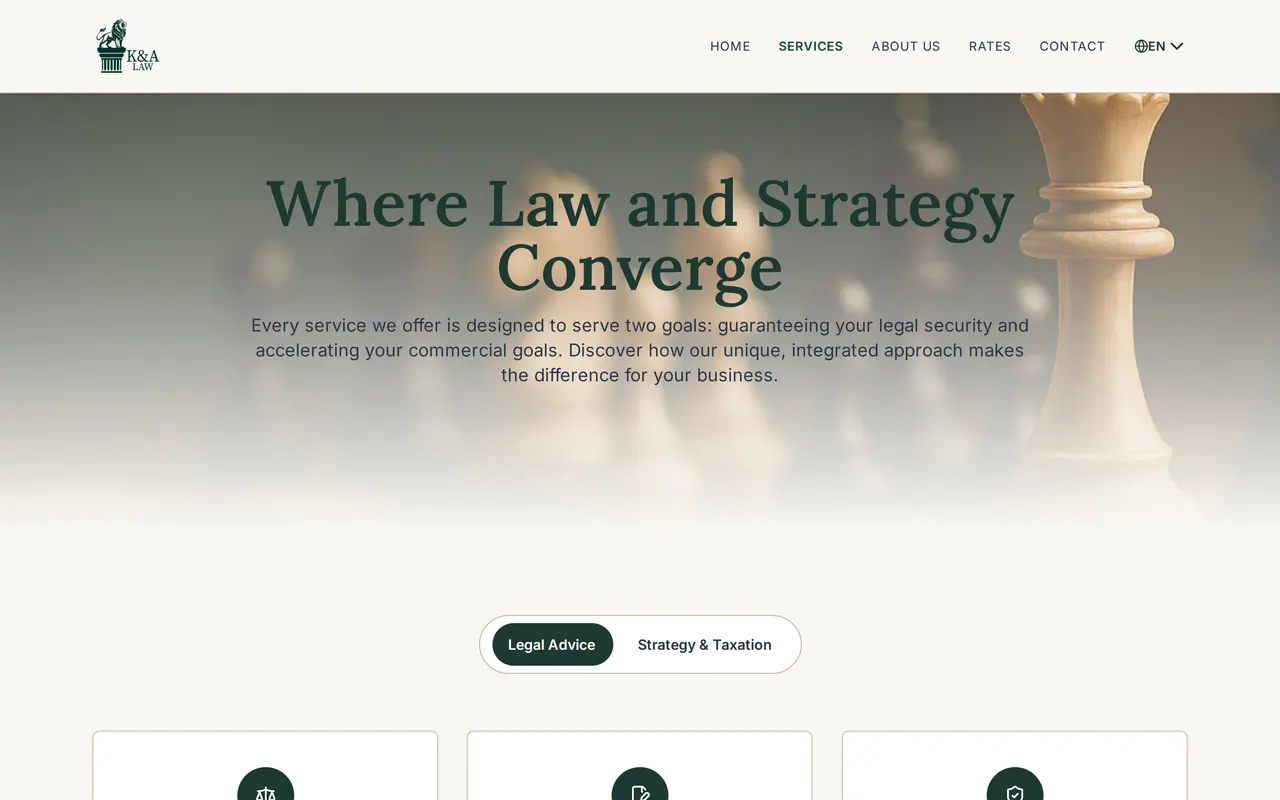
We have no law firm as a software client; we did build the website of K&A Law, a firm advising entrepreneurs, in Dutch, English, French and Turkish with twelve sector pages. What a portal is, in short: client portal.
What a client portal saves in hours
A portal pays back in the emails and calls that stop coming. The figures below are assumptions; put in your own.
On top of that, documents land in the matter rather than an inbox, with a list of what is still missing. What a portal costs depends on what it shows and which suite it talks to. Belgian agencies charge 50 to 150 euro an hour, and a portal with sign-in, documents and a view per matter takes 150 to 300 hours, the link with your suite included. We quote a fixed price per project after a first call. How we build one is on client portal development.
Professional secrecy shapes the build
Software for a law firm handles data covered by professional secrecy. That changes a few technical choices; what your bar or regulator requires is for you and your compliance lead to judge, not us.
| Choice | What we set up | Why |
|---|---|---|
| Where the data lives | Servers in the EU or your own jurisdiction, a processing agreement with every vendor | No copy of a client file with a service you do not know |
| Who sees what | A client sees only their own matters, staff only what their role needs | Secrecy holds inside the firm too |
| A trail | Every view, upload and change in a log | You can show who saw what, and when |
| How people sign in | Two-factor sign-in for the firm, a magic link or second factor for clients | Passwords get reused; a link to a known inbox does not |
| Deadlines per court | Dates worked out from the rules you give it, shown to the client as the next step | The lawyer stays responsible; the software removes the arithmetic |
What AI may do. Summarising documents or drafting a first version works on an environment where matters never leave the firm. How that works is on AI for law firms, and why a private assistant is safer than a public chatbot on custom ChatGPT for business and is ChatGPT safe for business. Such an assistant searches your own documents with RAG; the rules your firm sets for it belong in an AI policy, see do I need an AI policy and the EU AI Act for business.
Replace the suite, or add a portal
- Good for
- Switch to a suite with a portalA firm unhappy with its suite anyway, ready to migrate
- Keep the suite, add a portalA firm whose suite works, but whose clients still email everything
- What changes for staff
- Switch to a suite with a portalEverything: new matters, new billing, training
- Keep the suite, add a portalLittle: they keep working in the suite
- What the client gets
- Switch to a suite with a portalThe vendor's portal, in the vendor's design and languages
- Keep the suite, add a portalA portal in your house style and your clients' languages
- Depends on
- Switch to a suite with a portalThe new vendor's roadmap
- Keep the suite, add a portalAn API on your current suite
If your suite has an API and your staff like it, keep it and add a portal. If you were going to switch anyway, test the portals of the suites on your shortlist first.
Your website as the start of a matter
A portal is the back of the client relationship; the website is the front. Most firms we speak to get enquiries by email that someone retypes into the suite. A form that asks the right questions per practice area, in the client's language, and lands as a draft matter saves that step and starts the conflict check sooner.
What a law firm site needs, from practice area pages to the professional rules on advertising, is on website for law firms, and how such a site gets found on SEO for law firms. Linking the form to the suite is an API integration; and when enquiries need follow-up before they become matters, a custom CRM holds them.
Client portal
How VBS helps you with this
We build a portal where your clients sign in, see their file and handle what they can themselves: fewer emails, less retyping.
- Sign-in with a link by email, no password
- Documents, appointments and status per client
- Linked to your own back office
How we approach it is on our page about Client portal.
A portal for your clients, next to your suite?
Tell us which suite you use and what your clients email about most. After a call you get a proposal for the portal and a fixed price, or contact us with your questions first.
Rather get in touch right away?