People search for a number, not a brochure.
A calculator on your website pays off when it answers a question people type into Google, such as "how much does a bathroom renovation cost" or "how much margin do I need". A good calculator gives a figure or a range in a few questions, explains where it comes from, and turns the result into an enquiry. At SN Group, a construction company in Ghent, the cost calculator draws the most Google impressions outside the brand name.
We built six calculators for clients, four for Business Centrum and two for SN Group, plus the tools on this site. Below: which tool suits your business, what it needs, how to get it found, what to watch when you sell across Europe, and the mistakes that cost the most.
Which calculator fits your business
| Business | Calculator | The question in Google |
|---|---|---|
| Construction and renovation | Cost per job | "bathroom renovation cost" |
| Software or SaaS | Return on investment | "roi calculator" |
| Accountant or advisory firm | A calculation for business owners, such as margin | "margin calculator" |
| Online store | Size, quantity or shipping | "how much paint do I need" |
| Agency or service business | Budget or return | "marketing budget calculator" |
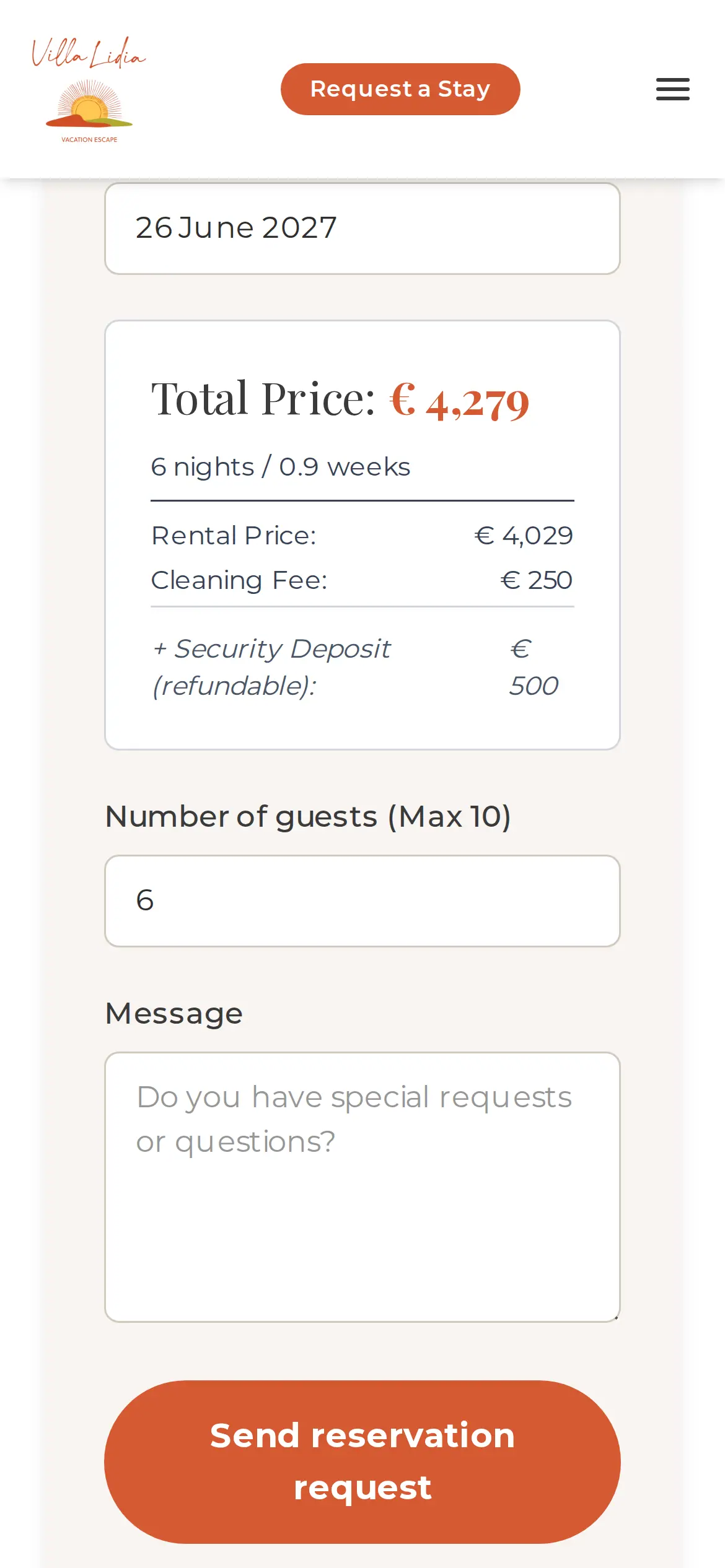
| Holiday rental | Price per period and guests | "holiday home price per night" |
The best tool answers the question closest to a purchase. Someone working out what their bathroom will cost is thinking about renovating. Pick the question first, with evidence that it is searched; see keyword research. On this site we follow the same principle: a margin calculator, a marketing budget calculator and a ROAS calculator, each on a question business owners ask.
What we learned at SN Group
For SN Group we built two calculators: a cost calculation as a step-by-step wizard and an EPC calculation. The cost calculator draws the most non-brand impressions in Google of the whole site. People who do not know SN Group find the company through the question of what their job costs. Next to the tool sit pricing guides per kind of work, which explain the range and link back to the tool. See the SN Group case. For Business Centrum, a payroll office in Ghent, we built four calculators for employers, each on a question employers often ask. Together these are the six calculators running on our client sites today. When the calculator should also assemble a product, read product configurator development.
The search
How much does a bathroom renovation cost?
The calculator
A few questions: size, finish, what has to go
The result
A range in euro, with what it includes
The explanation
Why this amount, what makes it dearer, guides alongside
The enquiry
Request a quote, with the details already filled in
At SN Group the cost calculator draws the most non-brand impressions in Google: 385 in one week.
What a good calculator has
- A question people really type into Google, as the page title.
- Five to seven questions at most, easiest first.
- A range rather than an exact figure, with what it includes.
- An explanation under the result: why this amount, what changes it.
- A button that carries the entered details into the enquiry.
How to build a calculator
Start with the calculation, not the design. Write down which inputs you need, which formula you use and which prices go in. Have it checked by whoever writes your quotes. Only then build the screens: one question per screen on a phone, easiest first, with a progress bar.
Build the tool as part of your site, not as an embedded widget from another service. That way the page with the tool, the explanation and the question lives at your own URL, Google can read it, and the data stays with you. A simple tool fits inside the site; one that talks to your planning or quoting is a small web application.
| Part | What it needs |
|---|---|
| The page | A title on the search question, a short intro, the tool near the top |
| The questions | Five to seven at most, with help text for each |
| The result | A range, what is in and out, the date of the prices |
| The explanation | Why this amount, what makes it dearer or cheaper, links to guides |
| The enquiry | A button that carries the entered details |
A number is a promise
People remember the figure they see. Show a range, say what is and is not included, and keep the prices behind the tool current. A tool that quotes too low creates angry customers; one that quotes too high creates nothing.
Selling across Europe: prices, VAT and language
If your calculator shows prices to consumers in the EU, the selling price must be the final price including VAT and other taxes. VAT rates differ per country, so a calculator for several markets either asks the country first or shows the price per market. Use local units and formats: 1.500,00 euro reads right in Belgium, EUR 1,500.00 in Ireland. Ask only for the data you need in the enquiry; the GDPR requires data minimisation, and short forms get completed more. And write the tool in the buyer's language; a calculator in English only will be found by few in Flanders or Wallonia. See a website in French and Dutch. It must also work with a keyboard and a screen reader; see the European Accessibility Act.
What it means for your business
A company from abroad builds the calculator per market, with local VAT, currency formats and language. A small business in building, installation or advice picks the one question closest to a quote and builds a tool on it. An online store uses a calculator to remove doubt before purchase: which size, how much, what shipping costs. An agency uses tools for clients as part of SEO, because a tool often ranks faster than text.
Calculator against quote form
- What the visitor gets
- CalculatorA figure or range straight away
- Quote formA promise you will get back to them
- Found in Google
- CalculatorYes, on price and calculation questions
- Quote formRarely
- Quality of the enquiry
- CalculatorThe customer knows the order of magnitude
- Quote formOften a question without a budget
- What it takes
- CalculatorBuilding it, keeping prices current
- Quote formA form
Put the calculator before the form: someone who knows the figure and still enquires is a better customer.
Measuring what the tool brings
Measure three things. In Search Console: which search terms the tool page appears for and how often it gets clicked; see how to use Google Search Console. On your site: how many visitors start the tool and how many see a result. And in your inbox: how many enquiries come through the tool, with which amount. A big gap between starting and finishing means too many questions; results without enquiries mean the next step is missing.
Mistakes that cost the most
- Too many questionsEvery extra question loses visitors.
- An exact figureShow EUR 14,250 and people expect EUR 14,250.
- No explanationA figure without explanation breeds distrust.
- Outdated pricesA tool calculating 2027 jobs with 2025 prices promises what you cannot deliver.
- No enquiryThe result is there, the next step is not.
- Tested only on a desktopMany visitors calculate on their phone, with one thumb and little patience.
What it costs
A simple calculator with a few questions and a fixed formula is a small project within an existing site. A tool with many variants, prices per region or a link to your quoting takes more. General site budgets are in web developer hourly rate and digital agency cost.
How VBS builds your calculator
From Ghent, Belgium, we build websites with calculators on real search questions: we pick the question with evidence, build the calculation with your prices, write the explanation and connect the result to your enquiry, in the languages of your buyers. Protect the enquiry form against bots too; see how to stop contact form spam. Book a call.