A new site, the same visitors.
Website migration SEO is about one thing: making sure every URL that earned a place in Google hands it on to its successor. Any change that alters your URLs is a migration: a new site, a new domain, a switch to https, a new structure, or new language versions for European markets. Google advises mapping every old URL to its closest new one with a permanent server-side redirect, and keeping those redirects for at least a year.
Below: the kinds of migration, the steps Google itself describes, a timeline for the weeks around the switch, what we learned migrating a construction company's site, and the mistakes that cost the most. With a note for companies consolidating country sites.
- A service pageOld URL/bathroom-renovation.htmlNew URL/en/services/bathroom, redirected with 301
- The contact pageOld URL/contact.phpNew URL/en/contact, redirected with 301
- An old promotionOld URL/spring-offerNew URLThe closest service, not the home page
- A URL that does not existOld URLShowed the home page with status 200New URLA real error page with status 404
- Duplicate versionsOld URLWith and without www, with and without slashNew URLOne version, with a self-referencing canonical
Google advises keeping redirects for at least a year and avoiding redirect chains.
Which kind of move are you making?
| Kind of migration | What changes | What Google recommends |
|---|---|---|
| New site, same domain | Structure and URLs | A map from old to new, 301 redirects |
| Another domain | The domain, often URLs too | Redirects plus the Change of Address tool in Search Console |
| Country sites into one | Several domains become folders of one | Redirects per country, hreflang, Change of Address per domain |
| http to https | The protocol | Redirects, no Change of Address needed |
| www or not | The hostname | Pick one version, redirect the other |
| New language versions | URLs get a language folder | Redirects, hreflang updated |
| Different hosting | Nothing in the URLs | Not a migration in Google's sense; see moving a website to a new host |
Google draws a line. You use the Change of Address tool only when your domain or subdomain changes, not for https or www changes. For everything else, redirects do the work.
The map from old to new
The map is the core of a migration. Collect every old URL: from your sitemap, your most visited pages, your CMS, and the links to your site in Search Console. Do not forget images, PDFs and documents. Map each to its closest new page. Google warns against mass-redirecting old pages to your home page: a visitor who wanted a bathroom page and lands on your home page leaves, and Google does not treat it as a real replacement. Several old pages merged into one new page may all point to it. How we run the whole redesign around this migration is on website redesign agency.
Four questions before you switch
Does changing your website affect SEO?
It can. If URLs change without redirects, the rankings those pages built are lost. With a complete map and permanent redirects, temporary fluctuation is normal and rankings usually return.
How long until Google knows the new site?
For a medium-sized site, a few weeks or more, according to Google. Large sites take longer.
Is moving to a new host a migration?
Only if the URLs change. If they stay the same, it is a hosting move; see our answer on moving a website to a new host.
Redirects that work
Use permanent server-side redirects, a 301 or 308. Google calls JavaScript redirects or meta refreshes a last resort. Redirect straight to the final destination: chains slow your site and Google does not follow them forever; ideally no more than three hops. Google says permanent redirects do not lose PageRank, so the value of links to your old pages carries over.
Keep the redirects. Google says "generally at least 1 year"; from your visitors' point of view you can keep them indefinitely, because old links in emails, social posts and other sites live on. An example from our own work: when we moved vbsmarketing.eu to a new build on 20 October 2026, every address of the old site got a 301 in one hop. Open /pages/seo-optimalisatie.html today and you land straight on /nl/diensten/seo; type our address with www in front and you land straight on vbsmarketing.eu/nl. No intermediate step, no temporary redirect.
Check that yourself on every move, hop by hop. In a terminal, run curl -I followed by an old URL and read the status code and the new address at each step. A common slip: the bare domain first sends visitors to the www version with a 302, and only then comes the 301. Visitors notice nothing, but that first hop tells Google the move is temporary.
Consolidating country sites
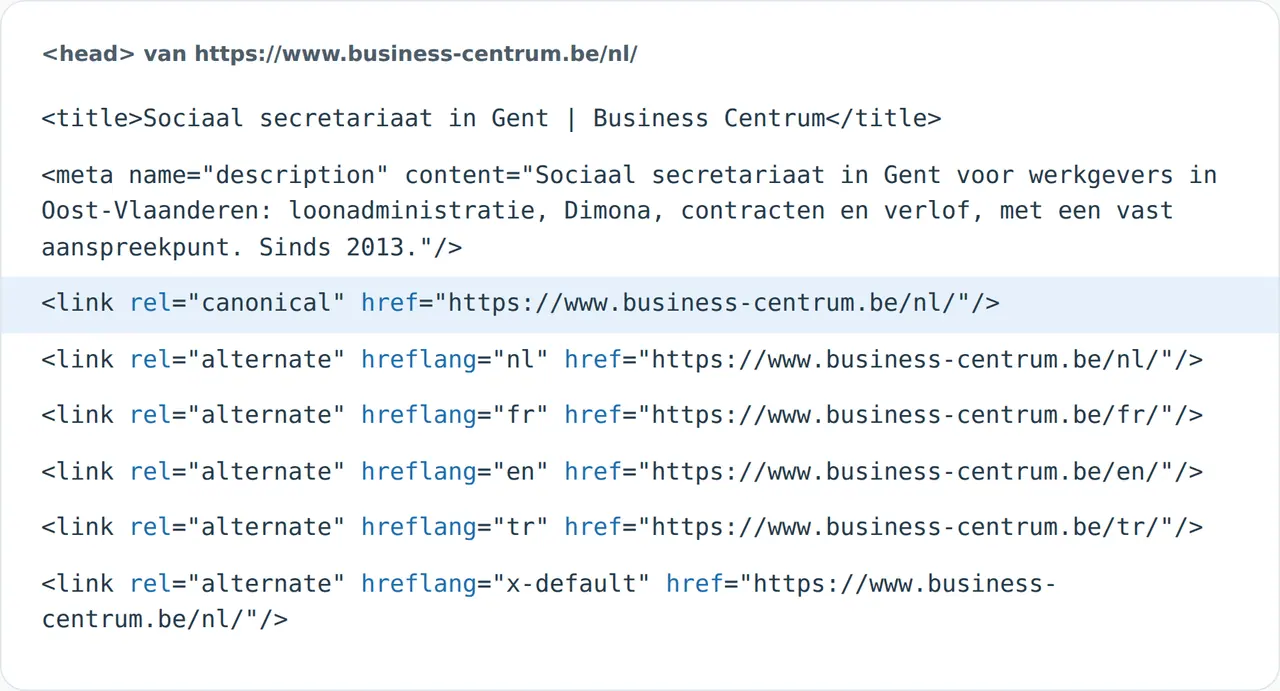
Companies selling across Europe often start with a domain per country and later want one site with a folder per language. That is a domain migration per country: every page on the old .nl, .be or .fr domain gets a redirect to its counterpart in the right language folder, the Change of Address tool is used for each old domain, and hreflang ties the new language versions together. How to build those language versions is in a website in French and Dutch and multilingual website development.
The switch in four steps
- Build the mapEvery old URL, from your sitemap, Search Console and analytics, with its new destination.
- Set the redirectsPermanent, on the server, straight to the final destination.
- Update everythingInternal links, canonicals, hreflang, sitemap, and your profiles elsewhere.
- Follow upSearch Console daily in the first weeks: indexing, errors, impressions.
What we learned at SN Group
SN Group, a construction company in Ghent, had a site running as a JavaScript application: every page was built in the browser. With that setup, a URL that does not exist often just returns the home page with a normal status, so Google cannot tell well which pages really exist. Moving to a new build with pre-rendered pages, we gave the site a real error page with a 404 status, redirects for the old URLs and a canonical tag on every page. We then added guides, four checks and two calculators; see the SN Group case.
A second lesson from our work: snapshot the live site before you start. Which pages exist, which titles, which copy. That lets you compare afterwards what changed, and you do not lose a page nobody remembered but that still drew visitors.
What it means for your business
A company from abroad consolidating country domains plans the map per country and per language before the build starts. A small business with twenty to fifty pages moves everything at once, as Google advises for small and medium sites. An online store has the biggest map: every product, category and filter page with visitors; Shopify and other platforms each handle redirects differently, so check yours, for instance via Shopify cost or Wix vs Shopify. An agency rebuilding a site puts the map in the quote, not in the aftercare.
Mistakes that cost the most
- Everything to the home pageQuick, but visitors and Google cannot find the content again.
- Forgetting images and PDFsThey have links and visitors too.
- Temporary redirectsA 302 tells Google the old page will return.
- Leaving the old site liveTwo versions of the same page compete.
- Removing redirects after a few monthsOld links live on for years.
- No baselineWithout impressions and clicks from before, you cannot tell whether the move went well.
The weeks around the switch
- Four weeks beforeInventory and mapCollect every old URL, choose new destinations, snapshot the live site.
- One week beforeTestingRedirects on a staging environment, spot checks on key pages.
- Launch daySwitch overEverything at once, submit the new sitemap, Change of Address if the domain changes.
- AfterWeeks of follow-upFix errors, compare impressions with the same weeks before.
After the switch
Submit a sitemap with the new URLs, and keep the old sitemap for a while to watch the old URLs leave the index; redirect warnings in it are normal. Update internal links so your own site does not rely on redirects. Update your profiles as well: your Google Business Profile (see Google Business Profile not showing if it drops), your LinkedIn company page, your ads. Expect more Googlebot visits in the first days, and temporary ranking fluctuation.
Track everything in Search Console: indexing, errors and impressions compared with the same weeks before the switch; see how to use Google Search Console. Unsure everything is in order? Run the SEO checker or the website not showing on Google check.
How VBS moves your site
From Ghent, Belgium, we build websites and move existing ones: we snapshot the live site, build the map, set redirects on the server and check every hop with the same test as above, as we did on our own move. We follow Search Console closely in the first weeks. After the move we do SEO on the new structure, per language and country. Book a call.