On this page
A headless CMS is what teams usually move to after a few years of fighting a traditional one. The theme slows the site down, every plugin update risks breaking the contact form, and a redesign means rebuilding inside someone else's templates. Cutting off the "head" separates two jobs: the CMS stores and manages content, and the website is built as its own product that fetches that content through an API.
In practice the website is usually generated ahead of time and served as static files from a CDN close to the visitor. That is what people mean by a headless website. Editors still log in, write and publish; a publish triggers a new build, and a minute later the change is live. WordPress still runs 39.6 percent of all websites, but 32.1 percent use no recognisable CMS at all, largely custom builds of this kind.
How an edited text reaches the visitor, three ways
Traditional CMS
on every visit- you edit the text
- database
- theme and plugins
- server builds the page
Headless CMS
- you edit the text
- API
- the site is built
- CDN
No CMS
- the builder edits the text
- the site is built
- CDN
Sketch. The less happens on each visit, the faster and safer the page.
What you gain and what you give up
| Traditional CMS | Headless CMS | No CMS | |
|---|---|---|---|
| Examples | WordPress, Joomla, Wix | Sanity, Contentful, Storyblok | A custom site, content in the code |
| Who can edit | Anyone with a login, anywhere | Editors, in the fields designed for them | The developer, or a small admin for one part |
| Speed | Depends on theme and plugins | Fast, pre-built on a CDN | Fast, pre-built on a CDN |
| Upkeep | Monthly core and plugin updates | Little on the site; the CMS is a service | Very little; no database to attack |
| New page types | Install a plugin or a block | A developer adds a template | A developer adds a template |
The last row is the honest trade-off. In WordPress a marketer can add a new kind of page with a page builder in an afternoon. In a headless setup, a new type of page needs a developer. You buy speed, security and design freedom with a little flexibility. For a site where the structure is stable and the content changes, that is a good deal; for a team that redesigns its pages every month, it may not be.
What it costs per month
The CMS is usually a subscription; the website is a one-off build plus hosting. Sanity is free for up to 20 seats and 10,000 documents, then $15 per seat per month. Storyblok is free for one seat, then $99 a month ($90.75 on annual billing) for five seats on its Growth plan. Hosting a static site on a CDN costs a few euros a month for most company sites. The real cost is the build: templates for each type of page, previews for editors and the connection to the CMS. Compare that over three years with the cost of keeping a WordPress site updated and fast; the full picture is in what a website costs per year.
- Choose a headless CMS ifseveral editors publish every week, the same content feeds a site and an app, or speed and security matter more than drag-and-drop freedom.
- Choose WordPress ifyour team already knows it, you need dozens of off-the-shelf plugins, and you have someone who keeps it updated; see custom website or WordPress.
- Choose no CMS ifthe site changes a few times a year; a developer edit is cheaper than a CMS subscription and a login nobody uses.
How we build without a page builder
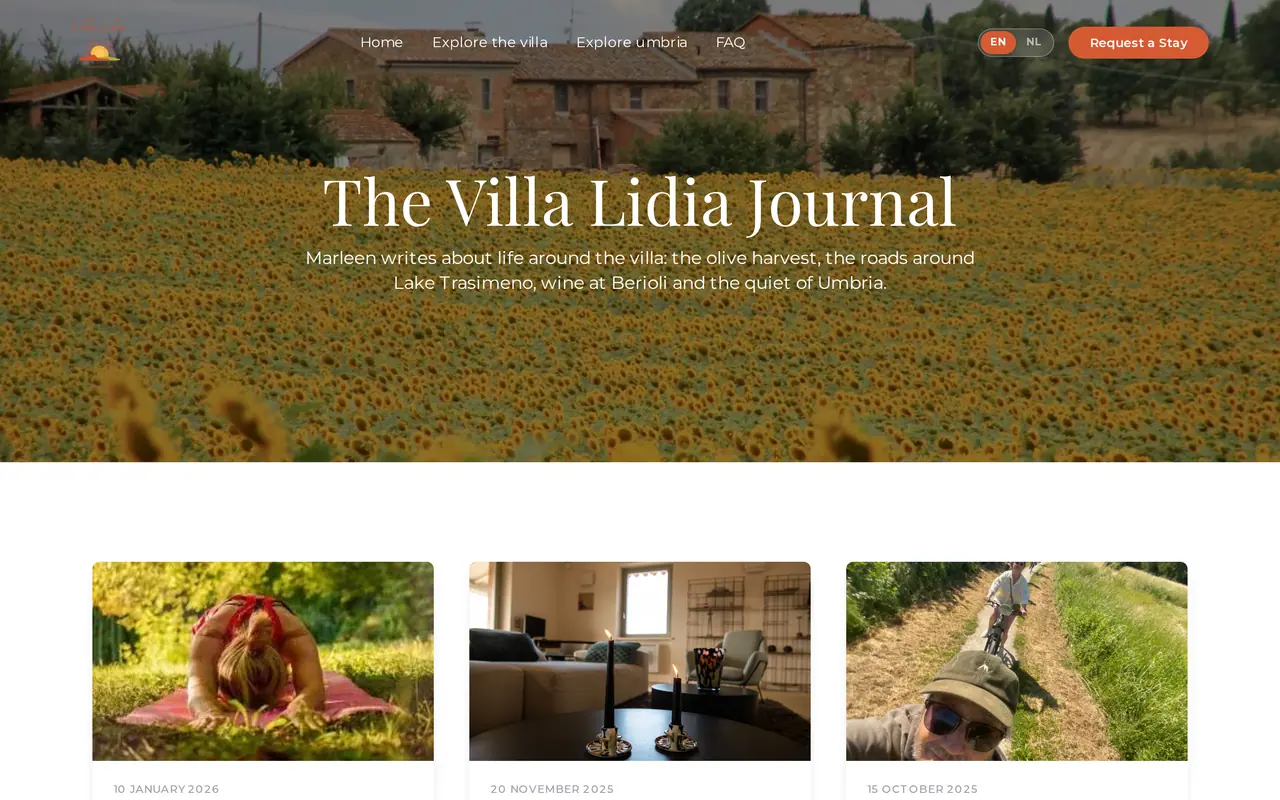
Most sites we build have no traditional CMS. Villa Lidia, the journal on the image above, and Business Centrum are static sites on Amazon S3 and CloudFront: every page is built ahead and served from a network near the visitor, with no database and no plugins to attack. Villa Lidia's home page went from 8.4 MB to 1.4 MB in the rebuild. Where a client edits a lot, such as availability or news, we add an admin for exactly that part.
We also keep WordPress when it works: for No.4 Lange Ast the existing WordPress site stayed, and we built a plugin for its availability calendar and enquiries. If your WordPress site is the reason you are reading this, start with why WordPress is so slow and is WordPress safe.
Questions before going headless
Can editors preview a page before it goes live?
Yes, if the build includes a preview mode. Ask for it explicitly: without it, editors publish blind.
Is a headless site good for SEO?
Usually better than average: pre-built pages load fast and every page can carry clean titles, canonicals and structured data. What matters is that the build renders full HTML, not a blank page filled by JavaScript.
Can I switch CMS later?
With headless, more easily than with a traditional CMS: the website stays and only the content source changes. You still move the content once.