On this page
Cancelling must be as easy as buying
The EU withdrawal button is now part of consumer law in every member state. Directive (EU) 2023/2673 added Article 11a to the Consumer Rights Directive, and national laws had to apply it from 19 June 2026. Several countries passed their law late, so check the date in each market you sell to, but the rule itself is the same everywhere in the EU.
Whoever concludes a distance contract with a consumer through a website or an app must let that consumer withdraw online too. The 14-day withdrawal period does not change. What changes: customers no longer hunt for an email address or a form in your terms. They click a button with fixed wording, confirm, and get an acknowledgement at once. That applies to shops based outside the EU as soon as they sell to EU consumers.
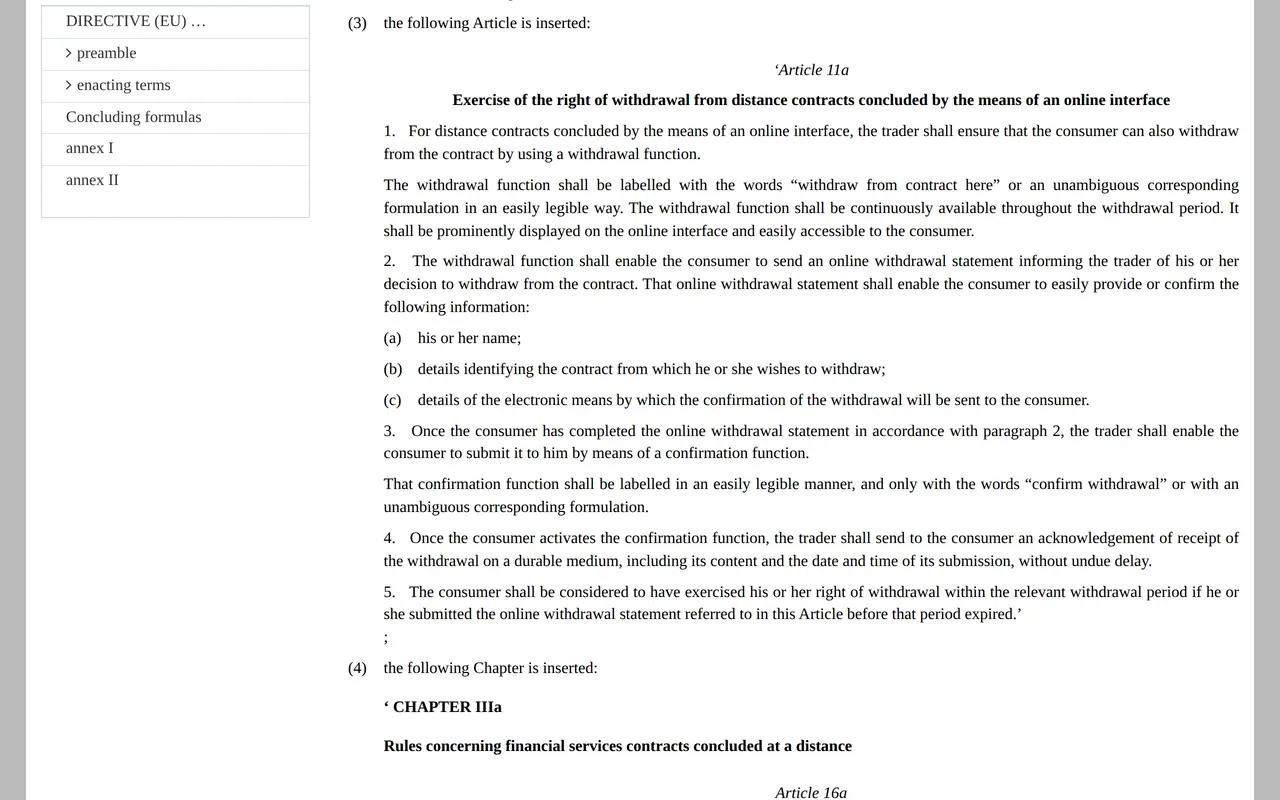
What Article 11a asks, word for word
| Part | What the rule says | What it looks like in your shop |
|---|---|---|
| The button | The words "withdraw from contract here" or an unambiguous equivalent, easy to read | A button or link with that wording, not a generic "Contact us" |
| Placement | Prominently displayed, easy to reach, for the whole withdrawal period | Next to the order in the customer account, in the order email and in the footer |
| The statement | The customer gives or confirms their name, the contract and where the acknowledgement goes | A short form, prefilled with what you already know |
| Confirming | A separate function labelled only "confirm withdrawal" or an unambiguous equivalent | A second step, so nobody withdraws by accident |
| Acknowledgement | Without undue delay, on a durable medium, with the content and the date and time of submission | An automatic email the moment they click |
| Timing | A statement submitted before the period ends is in time | The time of the click counts, not when you read your inbox |
Article 11a covers every distance contract concluded through an online interface: a web shop, an app, a booking engine, a subscription sold online. It does not apply between businesses, because the right of withdrawal belongs to consumers. Your pre-contract information must now also say that the function exists and where to find it. How to build it, step by step, is in the EU withdrawal button in Shopify and WooCommerce.
Where no button is needed
No right of withdrawal, nothing to withdraw with a button. The best-known exceptions: goods made to the customer's specifications, such as a fitted kitchen or a printed shirt; goods that spoil quickly; sealed hygiene products opened after delivery; and accommodation, transport, catering or leisure booked for a specific date. A stay at a holiday home from 12 to 19 December usually falls under that, as does a ticket for a workshop on a set day; a direct booking website keeps its own cancellation terms instead. If you sell both kinds, show the button only on orders where it applies, and say on the others why it is not there.
- The jacketEUR 120.00
- Standard deliveryEUR 5.95
- Express surchargeEUR 7.00
- Paid at checkoutEUR 132.95
Refund with the same means of payment the customer used, unless they expressly agree to something else.
One withdrawal, from click to refund
A shop in Cologne sells a EUR 120 jacket to a customer in Lyon, who pays extra for express delivery. The parcel arrives on Monday 5 October 2026. The 14-day period starts the next day and runs to the end of Monday 19 October. At 11:40 pm that evening the customer clicks "withdraw from contract here", checks their name and order number and clicks "confirm withdrawal". That is in time: the rule looks at the moment of submission.
The acknowledgement goes out at that same moment, with the statement and the date and time. From then on the shop has 14 days to refund, until Monday 2 November 2026. It may wait until the jacket is back, or until the customer shows proof of sending. It refunds the jacket and standard delivery, not the express surcharge. The return postage is the customer's, if the shop said so before the sale.
So every withdrawal costs you the outbound shipping and the time to inspect the parcel. Build that into your prices: the margin calculator shows what is left per order after payment fees and discounts, and our guide to ecommerce website cost puts the build and running costs next to it.
Building the function into your shop
- Test what your platform already doesOrder from your own shop as a guest and look for the button. Some platforms and themes offer the function, others need an app or a change.
- Use the fixed wording"Withdraw from contract here" in English, and an equally clear phrase in every language you sell in.
- Prefill what you knowName, order number and email are already in your system. The customer checks them and moves on to the confirmation.
- Send the acknowledgement automaticallyAn email with the statement, the date and the time. Keep a copy with the order in case of a dispute later.
- Open the return straight awayThe withdrawal creates a return in your system, with the last day for the refund on it.
Four ways to build it wrong
- Hidden in the termsA model form in a PDF is not a withdrawal function.
- Only after logging inA guest customer must be able to withdraw too, for example through the link in their order email.
- A hand-written acknowledgementAn email someone sends the next working day is not without undue delay.
- One button for everythingExchanging, repairing and withdrawing are three different things. A "Return or exchange" button leaves the customer guessing.
Who should check their shop first
You sell on a standard platform
Check which settings your platform offers and where the button appears: in the account, in the email and for guests. Still choosing a platform? Compare this point too in Shopify or WooCommerce, or look at Shopify alternatives in Europe.
Your shop is custom built
Then it is a page, a form and an automatic email tied to your orders. If you already run a client portal, the button belongs next to every order in it.
You sell courses, subscriptions or bookings
An online course or subscription for private customers usually falls under the rule, a booking for a fixed date usually does not. Build the button into your booking system or subscription management, only where the right of withdrawal applies.
You ship into the EU from outside it
You need the button for EU customers in their own language, and you face the new EU 3 euro customs duty on small parcels on top.
Two more EU rules reached every shop this year: accessibility one year on and the ban on generic green claims. If the shop itself is underperforming, start with why is my online store not selling. Everything else an EU store must show is listed in ecommerce legal requirements, and the tricks the button is meant to end are under dark patterns.
Three doubts shop owners raise
Do I have to remove the model withdrawal form from my terms?
No. The button comes on top. Customers may still withdraw by email, by letter or with the model form.
Can I ask why someone withdraws?
Yes, as an optional question. Withdrawal needs no reason, so the field may never be mandatory or block the confirmation.
What if a customer clicks after 14 days?
Then they are too late, unless you never told them about their right of withdrawal. In that case the period runs 12 months longer.