On this page
The right alternative to Wix depends on why you are leaving. Someone who leaves because pages crawl on a phone needs something different from someone who has to rank in English, French and German, and both need something different from a shop owner whose catalogue keeps growing. The four routes we see most often are WordPress, Webflow, Shopify and a custom site.
Wix does a lot well for anyone who wants a few pages online quickly and on their own. It gets tight in four places, and each of those points to a different alternative. So below you get the reason first, then the choice, then the cost over three years. The move itself, in the order that protects your rankings, is in how to cancel Wix.
Four reasons people leave Wix
- Speed on phonesThe site loads slowly on mobile data and you want every page to appear at once.
- More than one languageYour buyers search in their own language, with their own words, in more than one market.
- A shop that growsMore products and variants, local payment methods, a till in a physical store.
- Owning the siteWix does not let a site move to another host. Leaving means rebuilding.
Which alternative fits which reason
You leave Wix because
your site is slow on phones
Pages take seconds on mobile data
Custom static site
Only what the page needs, served from close by
Three years: from 1,500 euro to build, hosting 0
you need more than one language
Customers search in French, German or Dutch
Webflow or custom
Each language with its own URLs, titles and search terms
Three years: Webflow 900 dollars plus Localize
your shop is growing
Variants, stock, a till in a physical store
Shopify
Built to sell, with local payment methods and POS
Three years: Basic 864 euro plus payment fees
you want to own your site
Wix does not let a site move to another host
WordPress or custom
The code lives wherever you choose
Three years: depends on your host
Wix against its alternatives on the four reasons
What each platform does where people get stuck on Wix.
- Speed
- WixA hosted builder that loads its own scripts on every page; little control over what loads
- The alternative that answers it bestA custom static site: you decide what loads, and it is very little
- Languages
- WixA built-in multilingual feature, with copy to write and keep up per language
- The alternative that answers it bestWebflow with Localize, or a custom site with its own URLs and search terms per language
- Shop
- WixFrom the Core plan, with Wix Payments
- The alternative that answers it bestShopify, built for selling, with POS for a physical store
- Ownership
- WixYour content is yours, but the site only runs on Wix's servers
- The alternative that answers it bestWordPress or custom: the code lives where you choose
- Editing yourself
- WixStrong: everything visual in the editor
- The alternative that answers it bestWordPress and Webflow; a custom site works through an admin screen or on request
Wix wins on building quickly yourself. On speed, languages, selling and ownership, each of the four alternatives has a stronger answer.
What each Wix alternative costs over three years
Our own worked example for the same business site of about fifteen pages, before VAT, at the list prices of 24 October 2026. Domain and email are left out: they cost about the same everywhere, and moving them is covered in how to transfer a domain name.
| Option | Per month | Three years of plan or hosting | Building | On top |
|---|---|---|---|---|
| Wix Core, with payments | 29 dollars outside the eurozone, 25 euro inside | 1,044 dollars or 900 euro | yourself | apps, payment fees |
| Webflow Basic, no CMS | 15 dollars | 540 dollars | yourself or a designer | Localize from 9 dollars a month for a second language |
| Webflow Premium, with CMS | 25 dollars | 900 dollars | yourself or a designer | the same |
| Shopify Basic | 24 euro | 864 euro | yourself or an agency | apps, payment fees |
| WordPress on managed hosting | varies by host | check the renewal price, not the first-term price | yourself or a developer | theme, paid plugins, maintenance |
| Custom static site on AWS | 0 within the CloudFront free plan | 0 | from 1,500 euro | changes on request |
The pattern: if you build it yourself, the builders cost roughly the same over three years, 500 to 1,000 in dollars or euro. The difference is not the monthly price but what the platform lets you do and what you own at the end. A custom site costs more up front and close to nothing in hosting afterwards, as long as it stays under 1 million requests and 100 GB a month. For what you pay at Wix now, see Wix pricing.
Per reason: which alternative, and why
Your site is slow on phones
A hosted builder loads its own scripts for the editor, the apps and the layout on every page, and you have little say in that. A static site delivers only what the page needs, from a network close to the visitor. When we rebuilt Villa Lidia, a holiday villa in Umbria, the homepage went from 8.4 MB to 1.4 MB and the images from 51 to 17 MB in total; see the Villa Lidia case. How to measure your own site and fix the biggest wins is in improve website speed.
You need to rank in more than one language
A translate button is not enough: a buyer in Lyon searches with different words than one in Leeds. Each language needs its own URLs, titles and search terms. Webflow handles this with Localize, a paid add-on per language. WordPress does it with a translation plugin and the upkeep that comes with it. A custom site treats every language as a full site. Business Centrum runs in four languages, Dutch, French, English and Turkish, with pages of its own in each; see the Business Centrum case.
Your shop is growing
For a shop, Shopify is the obvious next step: variants, stock, local payment methods and a POS in a physical store. The two compared as shops are in Wix vs Shopify, the full three-year bill in Shopify cost, and how products and customers move in Shopify migration.
You want to own your site
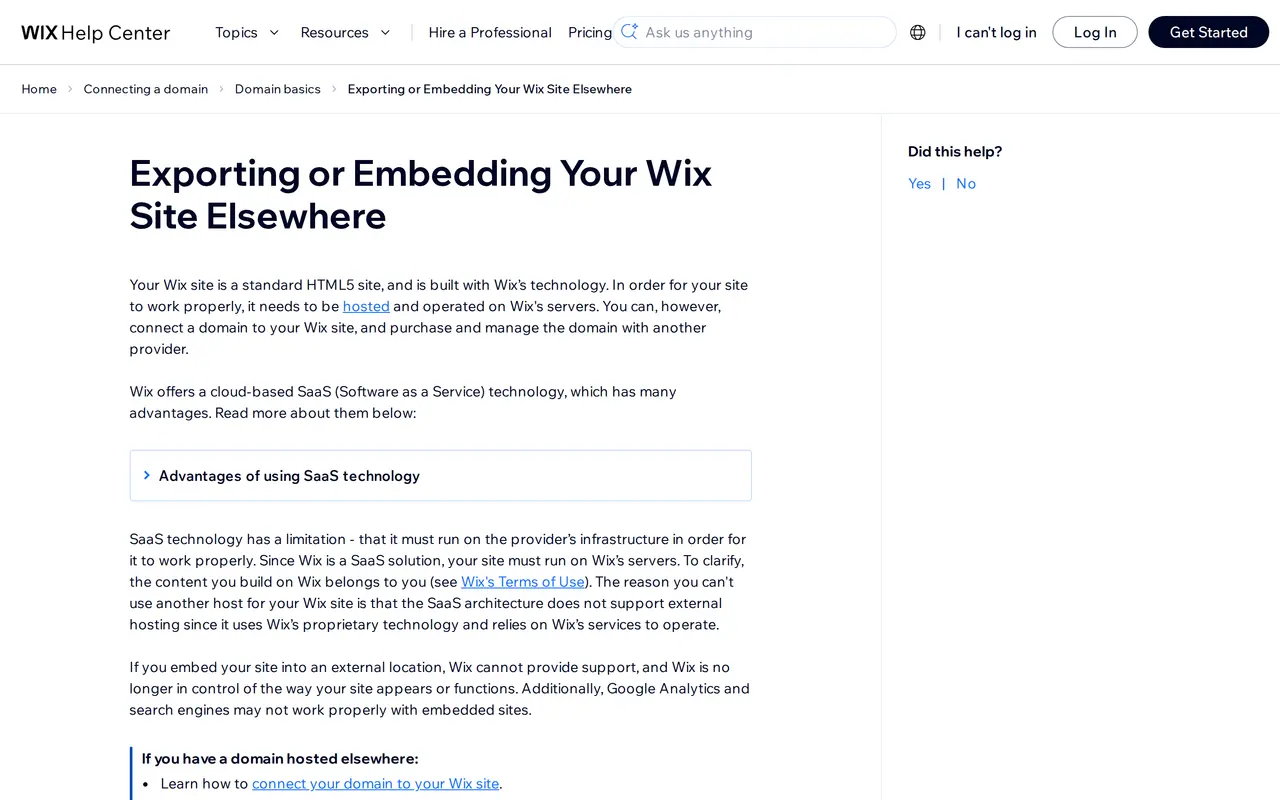
Wix does not let a site move to another host; its own help centre says so. Whoever leaves later rebuilds. With WordPress or a custom site the code lives where you want it, and you can switch hosts without rebuilding. That trade-off is in custom website or WordPress, and WordPress against Wix in Wix or WordPress.
Other builders people mention
Squarespace is a closed builder like Wix, with a different look but the same limits; compare them in Wix vs Squarespace. AI builders that set up a site in minutes are quick for a first draft, but someone still has to maintain it and make it findable; see AI website builders and Lovable vs WordPress. If the real question is whether to build it yourself at all, read build your website yourself or hire someone.
What you take from Wix to each alternative
Wix gives you no site to move, only content. How that content arrives differs per destination, and that sets how much manual work the move takes.
| Destination | Products | Blog posts | Pages | Manual work |
|---|---|---|---|---|
| WordPress | as CSV, through an import plugin for WooCommerce | post by post or through a third-party plugin | by hand | medium: check formatting and internal links |
| Webflow | as CSV into a CMS collection | as CSV into a CMS collection | by hand in the Designer | medium: map the fields |
| Shopify | with the Store Migration app or a product CSV; Shopify publishes its own Wix migration guide | through a migration app | by hand | low for products, high for the rest |
| Custom site | from the CSV into the code or admin | from the CSV, with formatting redone | rewritten where needed | we do it; you proofread |
In all four cases the design is rebuilt and every old URL gets a 301. Since you are rebuilding anyway, use the moment to rewrite pages around the words your buyers search for: that often pays off more than the platform itself. If you want that done for you, see how we work on website design, or for a shop on webshop development.
Staying on Wix is also an option
Not every irritation is a reason to move. Stay on Wix if the site is mainly a business card, has fewer than a handful of pages, does not need Google traffic to find clients, and you like editing everything yourself. Some issues can be fixed inside Wix: shrink heavy images, remove apps you no longer use, and give every page its own title and description. The move pays off once you hit one of the four reasons above. How Wix compares with WordPress over the long run is in Wix or WordPress.
Answer these before you pick
- Why are you leaving Wix: speed, languages, selling or ownership? Choose on the heaviest reason.
- Who edits the site after launch, and how many hours a month do they have for it?
- Which pages bring visitors from Google today? Each one needs a redirect.
- How many languages will you need in two years, and who writes the copy in each?
- Do you sell online, in a store, or both?
- What does the alternative cost after the introductory price, over three years, with everything on top?
Before you choose a Wix alternative
What is the best alternative to Wix?
There is no single one. WordPress if you want to write and extend it yourself, Webflow for a visual designer, Shopify for a shop, and a custom site when it has to win clients from Google in several languages.
Is there a cheaper alternative to Wix?
On the monthly price the builders sit close together. Budget WordPress hosting starts lower, but compare on the renewal price and count the maintenance. A custom static site costs more up front and almost nothing in hosting afterwards.
Can I move my Wix site to WordPress?
Not as a site. You take the copy, images, products and posts with you and rebuild, with a 301 for every old URL so your rankings follow.
Is Squarespace better than Wix?
It is different, not more open: Squarespace also runs only on its own servers. If you are leaving for ownership or speed, Squarespace does not solve that.
Will I lose my Google rankings if I leave Wix?
Not if every old page gets a 301 to the new page with the same intent, and you submit the new sitemap in Search Console.