Integrations for Teamleader Focus
Teamleader integration: connect your CRM to the rest of the business
12,000+
Web leads that land as contacts, won deals that show up in the schedule, invoices that reach your accountant. Nobody retyping a thing.
One CRM, five other systems
A Teamleader integration lets Teamleader Focus exchange data with the other software in your company, so nobody copies it by hand. In Teamleader you already keep contacts, deals, quotes, invoices, hours and projects together. The trouble starts at the edges: the web form that sends an email instead of creating a contact, the accountant who works in Exact Online, the field team that fills in work orders on a phone app Teamleader never sees.
A typical Belgian setup looks like this: sales and invoicing in Teamleader, bookkeeping with an outside accountant in Exact Online, Octopus or Yuki, a calendar in Outlook or Google, and a crew on site with paper or a separate app. Every one of those systems has a place where it hands data to the next. Teamleader is usually the right hub, because the customer, the deal and the invoice already meet there.
Each of those edges costs someone an hour on a Friday afternoon, and each manual copy is a chance to get a VAT number or an invoice address wrong. This page covers what the public Teamleader Focus API allows today, which route fits your case, what tends to break, and how we build an integration you keep control of. Still deciding whether Teamleader is the right core system? Read HubSpot vs Teamleader or the options in Teamleader alternatives first.
How the Teamleader Focus API is built
Teamleader documents its API at developer.focus.teamleader.eu. It is not a typical REST API integration. Every action has its own address in the form resource.action, such as contacts.list, deals.info, invoices.book or timetracking.add. Every call is a POST with a JSON body, even a read. Results come back under data, errors under errors, and long lists are paged.
The endpoints are grouped by area: CRM for contacts and companies, Deals, Calendar, Invoicing, Expenses, Products, Projects, Planning, Tasks, Time Tracking, Tickets, Files, Templates and Webhooks. In practice an integration can read and write almost everything you see on screen in Teamleader.
Two details matter more than they look. The refresh token works once, so an integration that loses the new token is locked out until someone grants access again. And the rate limit counts per integration and per account over a sliding minute: past it, the API answers HTTP 429, and three headers, x-ratelimit-limit, x-ratelimit-remaining and x-ratelimit-reset, tell you how much room is left. The documentation shows 200 requests as an example value and advises reading only what changed, with the updated_since filter, and listening to webhooks instead of polling.
- OAuth 2: you register the integration under Build in the Marketplace and pick its scopes
- Access tokens usually expire after an hour; each refresh token works once
- A sliding one-minute rate limit per integration and per Teamleader account
- Webhooks for events such as deal.won, invoice.booked and timeTracking.added
Three ways into Teamleader Focus
Into Teamleader
POST to api.focus.teamleader.eu/<action>
09:05
companies.addNew company from the contact form
09:06
contacts.addThe contact person at that company
09:20
quotations.createQuote from the pricing tool on your website, on the deal
09:48
invoices.draftDraft invoice from the logged hours
10:02
invoices.bookBook the draft invoice
- 401: the 09:00 token has expired
- Renew with the refresh token, which works only once
- Store the new pair at once, repeat the call: booked
From Teamleader
Webhooks to the integration's URL
09:31
deal.wonDeal won: your scheduling tool creates a job
09:52
invoice.paymentRegisteredPayment on an older invoice: the customer portal shows paid
The door
- OAuth 2: the integration is registered on the Teamleader Marketplace, with a client id, a secret and chosen scopes. The administrator approves it once.
- When renewing fails, the administrator gets a message to connect the integration again.
- Too many calls in the last minute returns 429. The headers say when it is allowed again, and the integration waits until then.
- On an update Teamleader replaces a list such as invoice lines as a whole. So the integration always sends every line.
Example with made-up times, based on Teamleader Focus's public API documentation. We are not a Teamleader partner.
Picking the route that fits
There are three ways to connect Teamleader to another system. Start with the cheapest one that actually solves your problem.
| Route | Fits when | Who maintains it | Where it stops |
|---|---|---|---|
| Marketplace app | an app already exists for your system, such as Exact Online, Octopus, Yuki, Mollie or Google Calendar | the app's maker | it does what the maker planned, nothing more |
| Make or Zapier | two standard tools with a few simple steps between them | you, in a scenario or zap | growing logic, many tasks a month, errors nobody sees |
| Custom integration on the API | your own process, your own app or high volume | whoever built the code, with logging | upfront build, and upkeep when the API version moves |
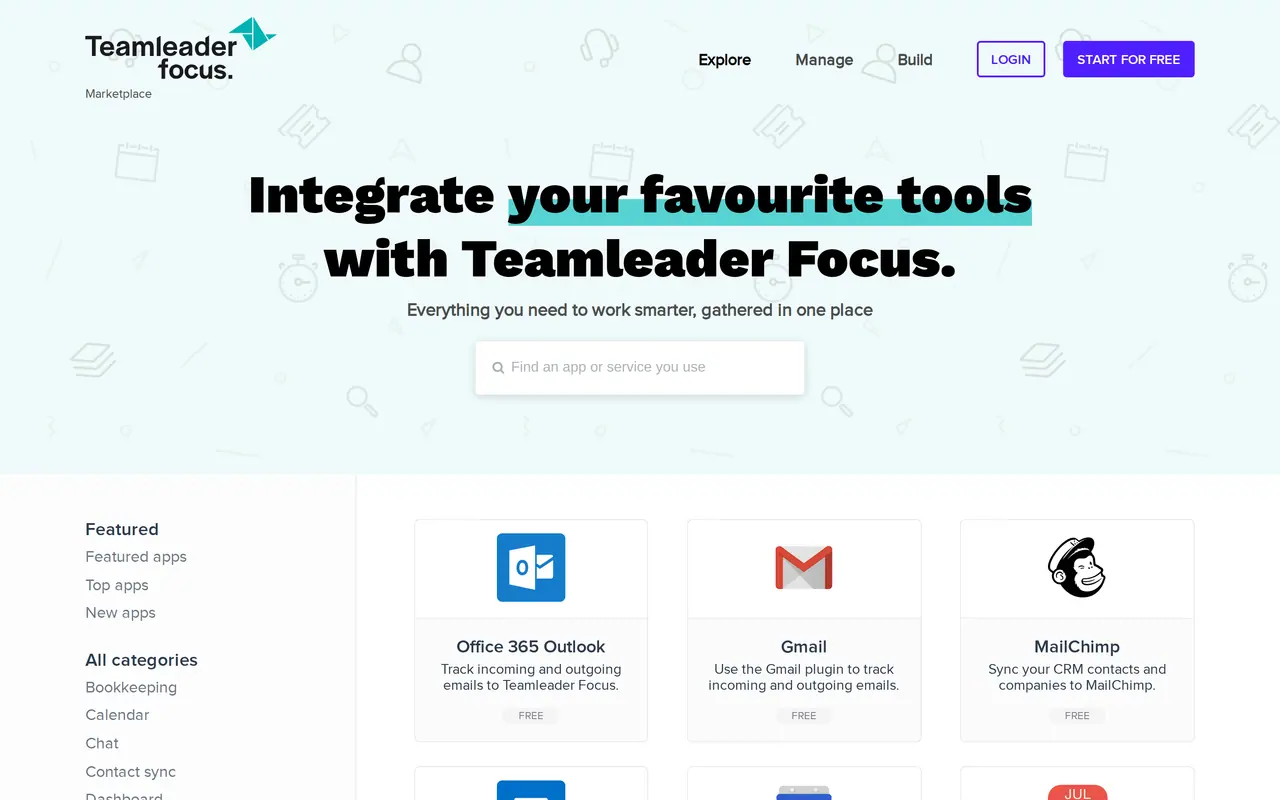
Check the Marketplace first. Teamleader says an app in its Marketplace reaches more than 12,000 companies. There are categories for bookkeeping, calendar, payments, email marketing, stock and products, time tracking and Web2Lead. Some apps are free, others paid. Whatever is listed there is maintained by a vendor with far more customers than you.
Make or Zapier while it stays simple. Zapier is listed as a free app in the Marketplace. Make has its own Teamleader app with actions on contacts, companies, deals, invoices, quotations, projects, tasks and time tracking, plus watch triggers that fire instantly through a webhook. A form that creates a contact and opens a deal takes an afternoon. Make, Zapier or n8n compares the three on cost and limits.
A HubSpot Teamleader integration is a common middle case: marketing runs in HubSpot, quotes and invoices in Teamleader. Decide which system owns the contact and which events move it across, a form fill or a deal stage. If no Marketplace app covers that, Make works for a handful of fields; a custom integration fits when both sides hold custom properties.
Custom code pays off when your rules are your own: a work order that only becomes an invoice line after approval, a schedule built per crew from won deals, a client portal that shows quotes from Teamleader. It is also the route when you have a work order app or a time tracking app built that has to talk to Teamleader. The wider trade-off sits in API integration services.
Six things to settle before the first sync
- Match rule for duplicates: search on VAT number and email before creating a company, and send near matches to a review list.
- Status map: which Teamleader deal phase becomes which status in your schedule or accounting, including phases someone adds later.
- Owner per field: one system wins for each field, so two-way sync never turns into a loop.
- Missed webhooks: a scheduled catch-up that reads everything changed since the last run with the updated_since filter.
- Rate limits: a queue that slows down on HTTP 429 and reads the x-ratelimit-remaining header, so a first import of thousands of contacts does not stall.
- Token storage: the new refresh token is saved the moment it arrives, by one process at a time, because the old one stops working.
Which data flows in which direction
An integration starts as a table, not as code. For each kind of data, write down where it is born, where it goes and what triggers the move. When in doubt, the source system wins.
| Data | Direction | Triggered by | Watch out for |
|---|---|---|---|
| Contacts and companies | website or webshop to Teamleader | form or order | deduplicate on email and VAT number |
| Won deals | Teamleader to schedule or work order app | webhook deal.won | which phase maps to which status |
| Hours and materials | work order app to Teamleader | completed work order | hours on the right project and user |
| Invoices | Teamleader to accounting | invoice booked | VAT codes and ledger accounts |
| Payments | accounting or Mollie to Teamleader | payment received | partial payments and credit notes |
| Products and prices | stock or ERP to Teamleader | product updated | one source for the price, never two |
Teamleader also sends events for Peppol, such as invoice.peppolSubmissionFailed. Since Belgium made Peppol e-invoicing mandatory between companies, that event is worth catching: it tells you an invoice did not arrive before your customer does.
Curious what Teamleader itself costs before you add an integration on top? See Teamleader pricing.
Our way of building it on your account
- A call and a data mapWe go through the tools you use, what gets retyped today and how often. The result is the table above, filled in for your company. If a Marketplace app already does the job, we say so and build nothing.
- A fixed priceAfter that call you get a fixed price for the build, with upkeep listed separately. You know the cost before we start, even if the build takes longer than planned.
- Your registration, your keysThe integration is registered under your Teamleader account with only the scopes it needs. Client secret and tokens sit in a vault, never in an email or a spreadsheet. If you stop working with us, you revoke access yourself.
- A dry run firstThe first run writes nothing. It lists what it would create, update or skip. Only when that list is right does the integration go live.
- Logs and a way backEvery call is logged with what went in and what came back. A failure sends an alert and parks the event in a queue for a retry. Before the first write we export everything the integration touches, so you can roll back. On the DA Logistics platform every release ships with a backup, a snapshot and a way back, and Zuco Logistics runs on its own server with a daily backup to S3.
Neighbouring systems and their integrations
Teamleader rarely works alone. These pages cover the systems it usually has to talk to.
- Accounting and ERPan Exact Online integration, an Odoo integration or a Business Central integration. Torn between Odoo and Teamleader as your core system? Read Odoo or Teamleader.
- Construction and installationif your sites and work orders run in Robaws, see the Robaws API. Prefer something built around your own crews? Look at software for construction companies.
- A CRM that fitssometimes the honest answer is that your process does not fit a standard CRM. Then custom CRM development is the better question.
We build integrations and automations as part of AI automation. Send us the list of your tools and what gets retyped today through contact.
AI automation
How VBS helps you with this
We make emails, quotes, documents and follow-up run by themselves, built into the way you already work.
- One flow per task, from form to confirmation
- A person approves what matters
- Runs on AWS, with a log and an alert when something fails
How we approach it is on our page about AI automation.
Which Teamleader integration do you need?
Tell us which tools run next to Teamleader and what your team does by hand every week. After a call you get the route that fits and a fixed price, or the advice to install an existing app.
Rather get in touch right away?