Business Central integrations
Business Central API integration that keeps running when nobody is watching
6,000
Customers, items, orders and invoices moving between Business Central and your other systems on their own, under your own app registration, with a log and a way back.
One record, one owner, many readers
A Business Central API integration lets another system read from and write to your ERP directly: your web shop drops in a sales order, your planning tool reads stock, your customer portal shows open invoices. Nobody retypes what Business Central already knows, and nobody exports a spreadsheet every Friday to load it somewhere else.
Almost every ERP integration moves the same six kinds of data: customers, items, sales orders, sales invoices, inventory and general ledger entries. The real design question is which side owns each field. Business Central stays in charge of the books and the item master; the other system supplies orders, registrations or hours. Settle that per field before anyone writes code. If your other system is Odoo, Exact Online, Teamleader or Robaws, the same thinking applies on our pages about Odoo integration, Exact Online integration, Teamleader integration and the Robaws API.
How API v2.0 is laid out
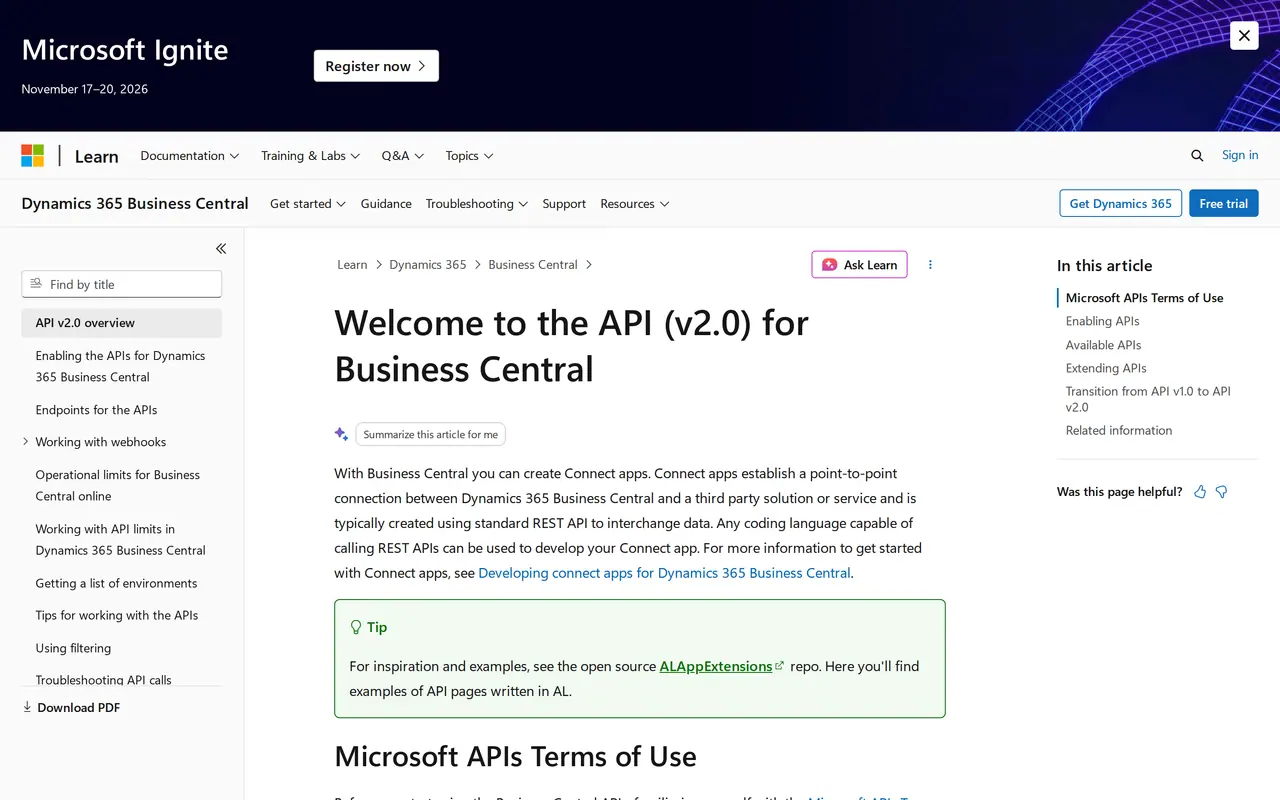
Microsoft publishes a REST API for Business Central online, version 2.0. According to Microsoft Learn the APIs are enabled by default, and any language that can make REST calls can use them. An API integration on top of it is a point-to-point connection: your system sends a request, Business Central replies in JSON.
Every address follows one pattern. You name the environment (production, or one of your sandboxes), then the company, because one environment can hold several companies:
`https://api.businesscentral.dynamics.com/v2.0/<environment>/api/v2.0/companies(<id>)/salesOrders`
Swap `salesOrders` for `customers`, `items`, `salesInvoices`, `vendors`, `journals` or `generalLedgerEntries`. The API Overview page inside Business Central lists what is published. Microsoft updates the API on a monthly cycle, so an integration you ship today runs against a newer release within weeks.
Custom fields need a custom API
The standard endpoints carry the standard fields. Microsoft states plainly that you cannot extend an existing API with extra fields: you copy its AL code and publish a custom API as an extension inside Business Central. That is work inside your tenant, so plan it with whoever maintains your environment. Most integrations get by on the standard fields, but check before you start, not when the first order arrives without a delivery date.
Who sends what to whom
Monday
09:00Subscribe to invoices and items
POST /api/v2.0/subscriptionsWith the integration's address, the resource (salesInvoices, items) and a shared secret in clientState.
09:00The handshake
Business Central sends a validationToken. The integration returns it with a 200, and the subscription is live.
14:12An invoice is posted
Thirty seconds later the notification updated arrives. The integration fetches the invoice for your customer portal.
Tuesday
10:30Price review: 1,400 items at once
More than 1,000 changes in that window: one collection notification with a filter. The integration fetches the list and updates the shop.
Wednesday
08:00Renew
PATCH /api/v2.0/subscriptions(…)A subscription expires after three days. The integration renews it in time, with the handshake again.
22:10Our server answers 503
Because it is a 5xx, Business Central retries over the next 36 hours.
Thursday
06:30Server back
The night's notifications still arrive. Nothing missed.
07:00Daily check
On any error code other than 408, 429 or 5xx, Business Central deletes the subscription. The integration checks every day that it still exists, creates it again if needed and fetches what changed in the meantime.
What moves, under companies({id})
- Customers from your CRM (customers)
- Quotes from your field app (salesQuotes)
From Business Central
- Items with stock (items)
- Invoices for your customer portal (salesInvoices)
The door
api.businesscentral.dynamics.com/v2.0/<environment>/api/v2.0- Microsoft Entra ID with OAuth 2.0: an app registration, a token with scope api.businesscentral.dynamics.com/.default, then Bearer on every call.
- Web service access keys with basic auth no longer work online since 2022.
Example with made-up times and numbers, based on the public documentation of Business Central API v2.0. We are not a Microsoft partner.
Where Business Central fits in a stack
Microsoft positions Business Central as ERP for small and midsize businesses: finance, sales, purchasing, inventory, projects and warehousing in one cloud product. That makes it the natural owner of anything with a price, a stock level or a VAT code.
What it rarely does well on its own is the work around it: the web shop, the driver app, the planning board, the portal where customers check their orders. Those live in other systems, and the integration is the seam between them.
- Business Central owns: items, prices, customers, invoices, ledger
- The other system owns: orders taken, hours worked, deliveries done
- Both read: stock, order status, open balances
Unattended sign-in with OAuth 2.0 and Entra ID
An integration that pulls orders at 3 a.m. cannot wait for someone to type a code from their phone. For that reason Business Central supports service-to-service authentication: the OAuth 2.0 client credentials flow, signed in through Microsoft Entra ID (formerly Azure Active Directory). Microsoft itself warns that delegated sign-in may require two-factor authentication, which stops an unattended integration cold.
Setup happens in two places, both inside your own tenant:
- In Entra ID you register an app, create a client secret (Entra shows it once), grant the application permission API.ReadWrite.All for Dynamics 365 Business Central, and an admin grants consent.
- In Business Central you open the Microsoft Entra Applications page, create a card with that app's client ID, set the state to Enabled and assign permission sets. The description says who built the integration and what it is for.
The permission sets matter most. An app cannot be given SUPER, and that is a feature: give the integration exactly what it needs. A web shop that creates orders has no business editing G/L accounts. The token comes from login.microsoftonline.com for your tenant, with the scope `https://api.businesscentral.dynamics.com/.default`.
Because the app registration lives in your tenant, you own the key. If you part ways with whoever built the integration, you revoke the secret and access ends that minute. If the builder can see your customers' personal data, put that in a data processing agreement as well.
Our build, from first call to go-live
A fixed price per project, agreed after a first conversation. No hours that keep climbing while we build.
- Conversation and field mapWe go through which systems talk, which side owns each field and what should happen when a call fails. The result is a field map and a fixed price.
- Your app registrationYour admin creates the app registration in your Entra ID, with only the permissions on the field map. The secret stays yours; we get access, not ownership.
- Built against a sandboxWe build and test against a sandbox of your own environment, with real sample orders and the cases that should fail: an unknown customer, an item without a price, a timeout.
- Every movement loggedEach order, customer or invoice the integration moves is logged with its timestamp and Business Central's reply. When something breaks you see which record and why, without guessing.
- Live, with a way backWe switch on at a quiet moment with the old way of working still at hand. If something goes wrong we pause the integration and replay the backlog once it is fixed.
Webhooks or polling
Two ways to learn that something changed in Business Central. A solid integration uses both.
- How it works
- Webhook subscriptionYou subscribe to an entity; Business Central calls your URL when a record changes
- Polling on a scheduleYour system asks every few minutes what changed since the last run
- Delay
- Webhook subscriptionThe notification comes 30 seconds after the first change
- Polling on a scheduleAs long as the interval you pick
- Payload
- Webhook subscriptionOnly that a record changed; you fetch the data yourself
- Polling on a scheduleThe data itself, in pages of up to 20,000 records
- Upkeep
- Webhook subscriptionA subscription expires after three days and must be renewed
- Polling on a scheduleNo subscription, but a stored timestamp per entity
- Bulk changes
- Webhook subscriptionOver 1,000 changes within those 30 seconds become one notification for the whole collection
- Polling on a scheduleSimply fetch more pages
- Load
- Webhook subscriptionLow, you only fetch what changed
- Polling on a scheduleHigher, every run spends requests from the same quota
Use a webhook for speed and polling as the safety net: a missed notification gets picked up on the next run.
Six ways a Business Central integration breaks
Each one traces back to a rule in Microsoft's own documentation.
A subscription that quietly expired
Webhook subscriptions live three days. Forget to renew and notifications stop on day four with no error. If your endpoint answers anything other than 408, 429 or a 5xx code, Business Central deletes the subscription on the spot.
Duplicate orders after a retry
A request that times out may still have gone through. Without a stable reference per order, the retry creates a second one. A fixed key from the source system on every order prevents it.
One integration starving another
Rate limits apply per user, and an app registration counts as a user. Run the web shop and the planning sync on the same registration and a big import in one blocks the other. Give each its own.
A sandbox that is not a real test
Copy production to a sandbox and Business Central disables webhooks, service connections and job queues, and blocks outbound calls from extensions. Sandboxes also run on a different performance tier, so do not load-test there.
Changes nobody reports
Changes made by a partner's delegated admin are not notified until a licensed user changes something. Test with such an account and the webhook looks broken while it works.
Two systems issuing invoices
If both the web shop and Business Central create invoices, the customer gets two and your VAT return is off. Decide which system invoices and which only reads. If you send through Peppol, that too must happen once.
Limits that shape the design
Business Central online shares its infrastructure, so Microsoft caps what an integration may ask. The limits apply per user, and service principals get the same treatment. They decide whether your integration survives a large import or a busy Monday.
| Limit | Value | Past the limit |
|---|---|---|
| Requests per user | 6,000 per sliding five-minute window | 429, too many requests |
| Concurrent requests | 5 at a time, up to 95 queued | 503 after 8 minutes in the queue |
| Connections per user | 100 | 429 |
| Records per page | 20,000 | 413 |
| Operations in one $batch | 100 | Request rejected |
| Operation duration | 8 minutes | 408, timeout |
| Webhook subscriptions per environment | 200 | No new subscriptions |
Three design rules follow. Handle a 429 gracefully: back off and retry, never fail outright and never hammer. Split large loads into pages and batches instead of one huge call. And spread several integrations over several app registrations, which Microsoft names explicitly as the way to scale.
If an older integration still runs on SOAP web services, plan its replacement. Microsoft has announced that SOAP will be deprecated and points to the API or OData instead. A SOAP integration today is technical debt with a due date.
Three routes to a Business Central API integration
There are roughly three ways to connect Business Central to another system. None is always right; it depends on how standard your process is and how much data moves. Our general page on API integration services covers the choice across packages; here is what is specific to Business Central.
| Route | When it fits | Where it stops |
|---|---|---|
| An app from Microsoft Marketplace (AppSource) | A common pairing a vendor already built for, and your process matches it | You work the way the app expects; fields or rules outside it are out of reach |
| Power Automate with the Business Central connector | Light flows of a few hundred records a day, like an approval or a Teams alert | 300 calls per connection per 60 seconds, records under 8 MB, and bulk changes start no flow |
| A custom integration on the API | Several systems, your own rules, high volumes or a process no app knows | You need someone to build, document and maintain it |
Apps for Business Central pass an automated technical validation at Microsoft before they appear in the Marketplace, and they install as extensions in your environment. Pricing and terms differ per app, so ask the vendor what happens at each Business Central update.
The Power Automate connector is a premium connector, with triggers such as a record created, modified or deleted, and actions such as create, find or update a record. Microsoft also notes that it cannot process collection notifications: if more than 1,000 records change within 30 seconds, the flow does not run. For a monthly price update across your catalogue that is a real risk. Torn between a no-code platform and code? Read Make, Zapier or n8n and our entry on low-code.
We build custom integrations on the API as part of our custom software work. It pays off only when the first two routes cannot carry your process, or when Business Central is one of several systems that must line up.
Before you sign off on any integration
- Each field has one owner, written down
- The integration has its own app registration with the least permissions that work
- Someone owns the client secret and its expiry date
- Webhook subscriptions renew automatically, with polling as a safety net
- Every call is logged with its record, timestamp and response
- Retries use a stable reference so nothing is created twice
- Tested in a sandbox, then once more on production with one real record
- A documented way to pause the integration and replay what it missed
What we built before
An integration is software that has to keep running when nobody is looking. The transport platform of DA Logistics is in daily use by 31 users, guarded by 1,396 automated tests, and a new release goes live in 2 to 6 seconds with a backup, a snapshot and a way back. For Zuco Logistics we put that platform live in 57 minutes, on its own server per customer, with a daily backup to S3 and an API reachable only through CloudFront.
We bring those habits to every integration: tests on the edge cases, a log, and a way back. Want to know what the ERP itself costs before you think about wiring it up? Read our guide on ERP cost. Still choosing a package? See Odoo vs Business Central, Exact Online vs Odoo and CRM vs ERP. If Odoo is on the table, the Odoo implementation guide walks through the project. And if no package fits how you work, look at custom ERP development.
To be clear about our role: VBS is not a Microsoft partner and does not resell Business Central licences. We build on the public API with your app registration and the permissions you grant. Licences, AL extensions and the setup of Business Central itself stay with your partner or your own admin.
AI automation
How VBS helps you with this
We make emails, quotes, documents and follow-up run by themselves, built into the way you already work.
- One flow per task, from form to confirmation
- A person approves what matters
- Runs on AWS, with a log and an alert when something fails
How we approach it is on our page about AI automation.
Connecting Business Central to your shop, planning or portal?
Tell us which systems need to talk and what data moves. After a call you get a fixed price and a field map. Book it through contact, or see how we use AI automation to process invoices and orders.
Rather get in touch right away?