Recovery after a hack
Hacked website repair: find the way in, clean up, close it
A hacked site sends your visitors elsewhere, puts a warning next to your name in Google and can get your mail blocked. We trace how the attacker got in, clean the site or rebuild it from a clean source, and shut the door behind him.
What a hacked site costs you while it stays that way
A customer tells you your site sent him to a casino. Google shows "This site may be hacked" under your company name. Your host suspends the account because spam leaves from it. Or nothing looks wrong at all, and Google lists pages about pills you never wrote. Every day it stays that way, fewer people click and the ones who do trust you less.
Most WordPress hacks come in through a plugin or theme with a known flaw. Delete the strange files and leave that flaw, and the spam is back within weeks. So a repair starts with one question, how did the attacker get in, and it only ends when that way is closed.
Signs that point to a hack
Many hacks hide from the owner. For our study of SEO spam on Belgian business websites we read 23,676 working sites. 87 carried injected spam, one in 272, and on 73 of those 87 the home page looked normal. The owner saw nothing; Google saw it all.
| What you notice | What usually sits behind it | Who notices first |
|---|---|---|
| Phone visitors land on another site | A redirect that only fires on mobile or only from Google | Customers, rarely the owner |
| Strange titles under your name in Google | Spam pages the attacker added to your site | Anyone searching your company |
| "This site may be hacked" in the results | Google found injected content or code | Everyone who looks you up |
| Your host blocks mail or the account | The server sends spam or runs odd scripts | Your hosting company |
| Admin users you do not know | A stolen password, or a flaw that creates accounts | Whoever opens the user list |
Want to look first? The CMS detector shows which system and version your site gives away, the check for a site missing from Google shows whether your pages are still indexed as normal, and the SSL checker tells you if your certificate still holds. What you can do yourself in the first hours is in our guide website hacked, what to do.
Spam built to be seen by Google only
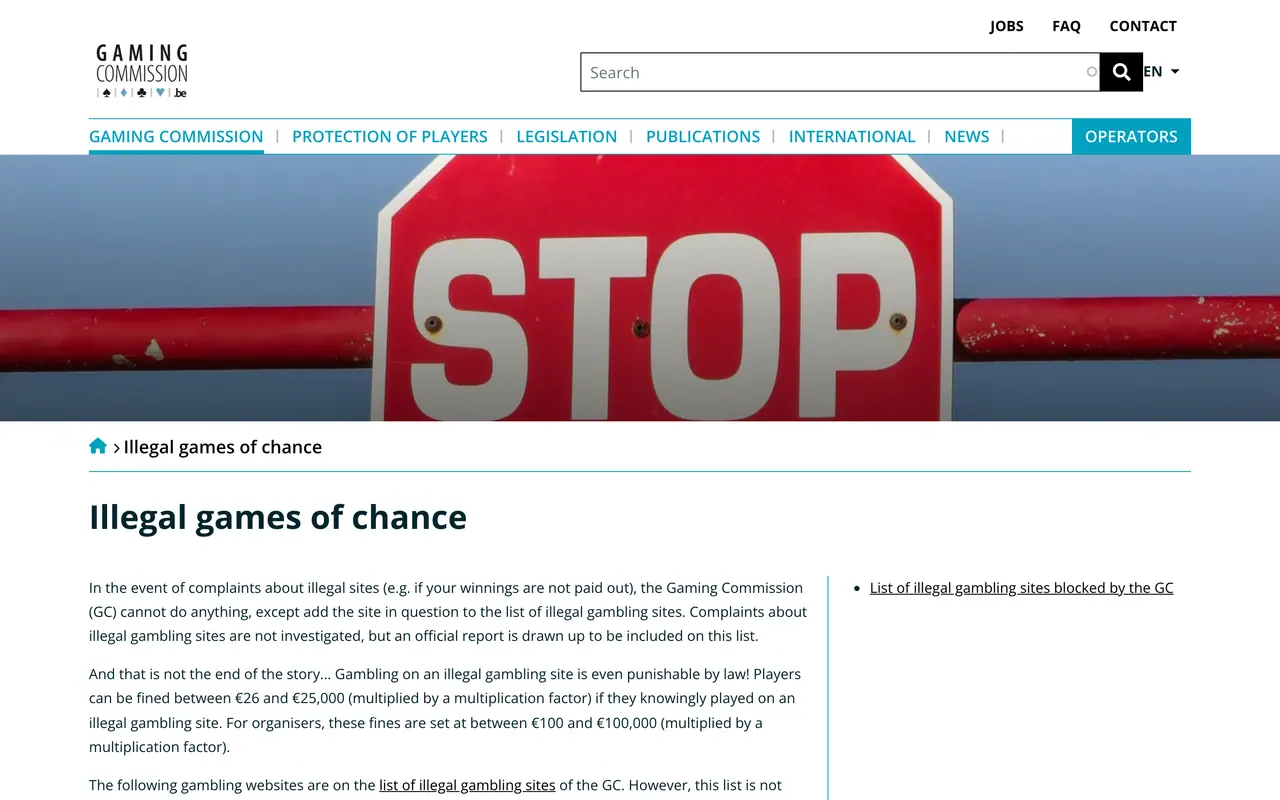
Of the 87 infected sites, 79 carried gambling spam, often naming the illegal casinos the Belgian Gaming Commission lists. On 44 sites it was hidden text or links only: nothing on screen, everything in the code a search engine reads.
This kind of infection is built to last. It serves Google a different page than your visitor, and it often lives in the database rather than in a file you would spot. That is why a repair looks at three places: the files, the database and what Google holds of your site in its index.
The order we work in
- Take a copy and stop the damageA full copy of files and database as they are, infected version included: you need it to see what happened. Then the site goes into maintenance or the redirect comes out, so visitors stop landing on spam.
- Find the way inWe match plugins, theme and core version against known flaws, read your host's logs where they exist, and check which files and accounts changed recently. A repair without the entry point is a pause, not a fix.
- Clean or rebuildA small infection with a clear entry gets cleaned in place. One that runs deep or keeps coming back gets a fresh WordPress from clean sources, with only your own content moved over after a check.
- Replace every keyPasswords for every admin, the database, SFTP and the hosting panel, plus the secret keys in wp-config.php. Unknown accounts go. Everyone who logs in gets a second factor.
- Update and cut backCore, theme and plugins to their latest version. Plugins nobody uses, or that their makers stopped maintaining, are removed: each plugin fewer is one door fewer.
- Win back Google and your visitorsWe remove the spam pages from the index, request a review in Search Console if Google shows a warning, and watch the index in the weeks after for new pages that should not be there.
Clean it, rebuild it, or move off it
After the first look you know which road fits. Three come up most:
| Clean in place | Rebuild in WordPress | Move to a site without plugins | |
|---|---|---|---|
| Fits | A recent, small infection with a clear entry | An infection that runs deep or returned before | A site you would rather not update every month |
| What stays | Your site as it was, minus the spam | Your content, on a clean install with fewer plugins | Your content and addresses, in a new build |
| What it needs after | Updates, and someone who owns them | Updates, and someone who owns them | Little: no database or plugins to attack |
| Your addresses in Google | Stay | Stay | Stay, with a 301 wherever an address changes |
Moving is not a reflex. A WordPress site that gets its updates is a fine choice, and then we rebuild it with only the plugins you use; see WordPress website development. If you are done with the upkeep, it becomes a new site: read how a website redesign keeps your rankings and what our website migration services cover. A new site through our website design service starts from 1,500 euro.
We work in Dutch and English and remotely, so the site can sit with any host in Europe. You keep your host unless it is part of the problem.
Did personal data leak? Then a deadline runs
If the attacker could reach customer data, such as form entries, accounts or orders, the GDPR gives you 72 hours from the moment you know to notify your data protection authority. That duty is yours as the owner. We help you work out what was exposed, so your notice is accurate.
What you send us, and what you hold afterwards
You do not need to be technical. What we need:
- access to your hosting panel, or the name of your host and who manages the account;
- an admin login for WordPress, if you can still get in;
- what you saw and when: a screenshot, a mail from your host or a notice from Google;
- a list of the people who log in, so we know which accounts are real.
Afterwards you have a clean site, new passwords that only you and the people you choose know, a short report on the entry point and what we did, and a plan for updates. That last part matters most: anyone on WordPress needs to know who updates it and when. Why that weighs so much is in is WordPress safe. If you would rather hand it off, that is what website maintenance is for.
A hack often reaches your mail too. A domain that sent spam can end up on lists that block its mail, and a domain without DMARC lets forged mail through in your name. Check your domain with the DMARC checker, read what SPF, DKIM and DMARC do, and have it set up through DMARC setup. Was the site slow as well? The cause often sits in the same pile of plugins; see WordPress speed optimization. Or just write to us.
Before you get in touch
- What does a hacked site repair cost?
- It depends on how deep the infection runs and which road you take: cleaning in place is less work than a rebuild. After a first call and a look at the site you know what needs doing and what it costs, before any work starts.
- How long does it take?
- A small infection with a clear entry is gone sooner than one that has lived in the database for months. Lifting a Google warning then depends on Google's own review. After the first look we tell you what to expect.
- Can I fix it myself?
- Part of it: change passwords, tell your host and take a copy. Our guide lists those steps. Finding the entry point and reading the database takes experience; skip it and the spam tends to come back.
- What if it comes back?
- Then the way in is still open, or a back door stayed behind. That is why we look for the entry first, and why we rebuild a deep infection rather than keep scrubbing. After the repair we watch Google's index so new spam pages show up early.
- Is my host not responsible for this?
- Your host runs the server, not the WordPress on it. Some hosts help with a scan or an old backup, but restoring a backup brings the flaw back with it. Repairing the site itself is on you or on whoever builds and maintains it.
- Do you work outside Belgium?
- Yes. The work is remote, in English or Dutch, with any host in Europe. You give us access, we report in writing, and calls happen online.
Website design
How VBS helps you with this
We build your site from design to copy, imagery and code, in one team, so that Google and your buyers find it and get in touch.
- Design and copy built on your buyers' questions
- Fast, multilingual when you need it, at a fixed price from 1,500 euros
- Forms, cookieless analytics and hosting on AWS
How we approach it is on our page about Website design.
Hacked, or not sure?
Send us your address and what you saw. We look at the site, tell you which road fits and what it costs, and only start once you agree.
Rather get in touch right away?