On this page
One place for people who publish on LinkedIn
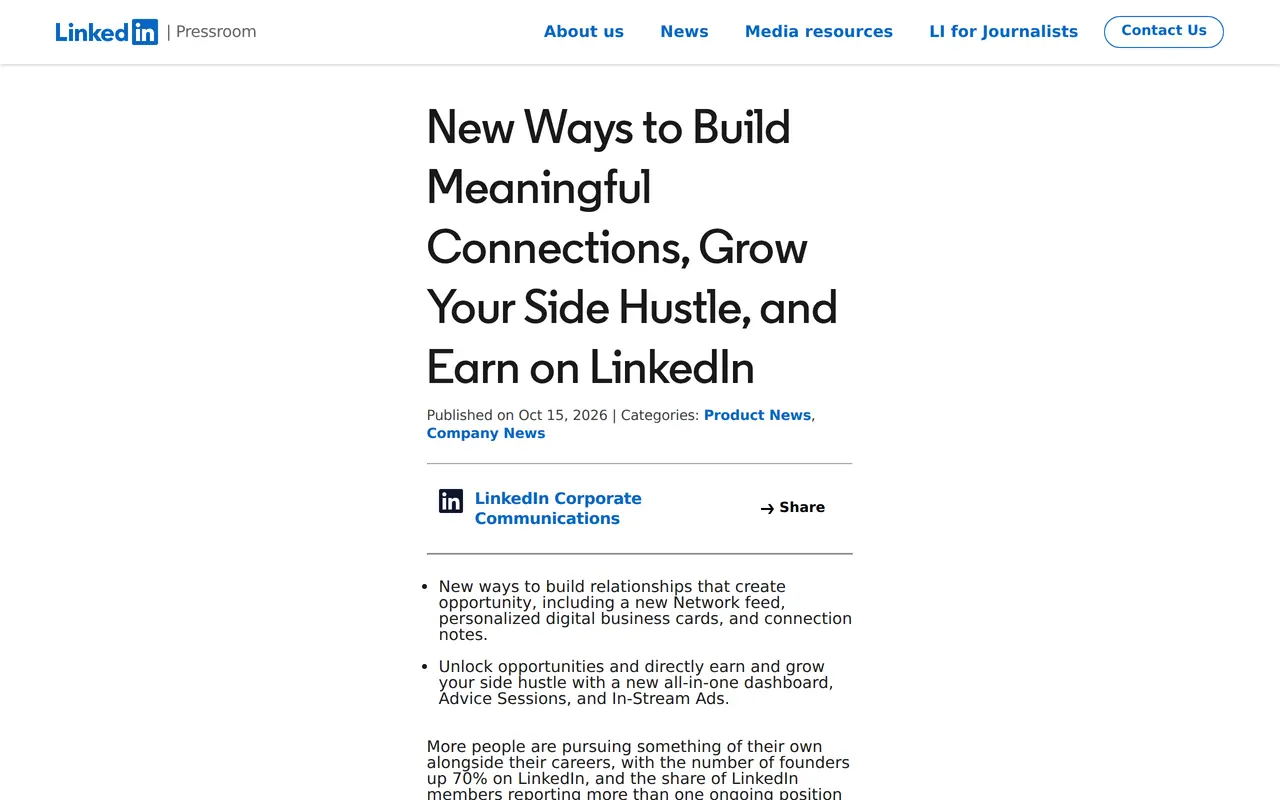
The LinkedIn creator dashboard is the biggest of seven features LinkedIn announced on 15 October 2026. It is one place where you see what is working, manage your content and find ways to grow and earn. On mobile you open it by tapping your profile picture in the top left of the app. The dashboard rolls out globally in the coming weeks, so Belgium included.
LinkedIn does not say exactly which figures the dashboard shows. The post talks about seeing what is working, without a list. What is clear: not everything from that day comes here. A separate network feed, paid video ads for creators and paid advice sessions stay tests in a few countries for now. Below is what applies to you and what does not.
What reaches Belgium and what stays a test elsewhere
Creator dashboardsee what works, manage content
rolling outcoming weeksGlobal. On mobile via your profile picture, top left.Digital business cardin your digital wallet
rolling outcoming monthsGlobal, for people you meet in person.Profile notesprivate notes on a profile
with PremiumGlobal for Premium subscribers.Pinned commentsat the top under your post
rolling outno dateThe author picks which comment sits on top.Network feedonly your network
test outside BelgiumUS, India, AustraliaA test in select markets.In-Stream Adsearning from video
test outside BelgiumUSA test with select creators and advertisers.Advice Sessionspaid advice call
test outside BelgiumUSFor Business Premium; more markets later.
As LinkedIn announced it on 15 October 2026. For the network feed the text also names the UK.
Everything announced on 15 October
| Feature | What it does | For whom and when |
|---|---|---|
| Creator dashboard | See what works, manage content, grow and earn | Global, in the coming weeks |
| Digital business card | A card in your digital wallet for people you meet in person | Global, over the coming months |
| Profile notes | Private notes on a profile: how you met, what you discussed | Premium subscribers, global |
| Pinned comments | The author pins a helpful comment to the top of the post | No timing given |
| Network feed | A separate feed with posts from your connections and people you follow | Test in select markets, not Belgium |
| In-Stream Ads | Creators earn from ads before their videos, joined from the dashboard | Test with select US creators and advertisers |
| Advice Sessions | Paid one-on-one advice, booked and paid through your profile | Business Premium in the US, more markets later |
For the network feed, LinkedIn names the US, India, the UK and Australia in the text; the questions at the bottom list only the US, India and Australia. Belgium is not on either list.
Why LinkedIn is doing this now
LinkedIn gives the background itself. The number of founders on LinkedIn rose 70 percent since 2019, members with more than one ongoing position rose 26 percent, and over 80 percent of creators build content alongside another role. Two weeks later, on 28 October, LinkedIn's quarterly highlights added more context: content views in the Feed rose more than 16 percent year over year, established creators posting daily rose 13 percent, and creator-led ads rose 63 percent. Paid Premium Company Pages rose 121 percent.
The direction is clear. LinkedIn wants people to publish, and it is building the tools to keep it up. For a business that means your people's voices weigh more next to your company page. Facebook is moving the same way: on 13 October Meta announced that users can change their Facebook algorithm themselves by picking topics.
What it means for you as a business owner
This part is our advice. If you post yourself as a founder, or have a few employees post, the dashboard finally gives you a fixed place to see what lands. Use it to learn per topic rather than per post. First read how the LinkedIn algorithm works in 2026 and the best time to post on LinkedIn.
| Who posts | What the dashboard gives you | What you need next to it |
|---|---|---|
| Founder as the face of the business | A view of which topics get your network to respond | A fixed line of three to five topics (personal branding) |
| Employees posting about their craft | Each sees their own figures | Agreements on tone and topics (employer branding) |
| Only the company page | The dashboard is for people, not pages | Your page analytics and, where it pays, LinkedIn ads |
Do not measure likes alone. Your engagement rate says more than a single spike, and pinned comments give you a new tool: pin the comment that best answers your reader's question, or one that adds an example to your post.
What reaches Belgium and what does not yet
- Managing your content
- Coming to BelgiumCreator dashboard, in the coming weeks
- Not in Belgium yetA separate network feed, only tested elsewhere
- Networking
- Coming to BelgiumDigital business card, over the coming months; profile notes with Premium
- Not in Belgium yetNothing
- Earning
- Coming to BelgiumNothing announced
- Not in Belgium yetIn-Stream Ads (US test) and Advice Sessions (US)
- Conversation under your post
- Coming to BelgiumPinned comments, no date given
- Not in Belgium yetNothing
For a Belgian business the dashboard is what counts now: you see better what works. Earning from your posts is for US creators for the time being.
When the dashboard shows up in Belgium
Where do I find the creator dashboard?
On mobile, tap your profile picture in the top left of the LinkedIn app. It rolls out globally in the coming weeks; if you do not see it yet, wait a little.
Do I need Premium?
LinkedIn does not name Premium as a condition for the dashboard. Profile notes are for Premium, and Advice Sessions for Business Premium in the US.
Can I earn with In-Stream Ads as a creator in Belgium?
Not yet. It is a test with select creators and advertisers in the US. LinkedIn says access will widen over time.
Does the dashboard work for a company page?
The post is about creators and their profile. Your company page keeps its own analytics.
Which figures does the dashboard show?
LinkedIn gives no list. It only says you see what is working. We will add detail once the dashboard is live here.
What you can do this month
- Pick three to five topics on which you or your team have something credible to say, and plan them in a content calendar.
- Post at fixed moments for a month, so you have a baseline to compare once the dashboard arrives.
- Prepare a comment for every post that you can pin yourself: an example, a link to more, an answer to the question you expect.
- Agree who in your business posts about what, so profiles strengthen each other instead of repeating each other.
- After four weeks, check which topics reached new people, and drop what does not work.
How we help
Setting up and running LinkedIn is part of our social media management: your company page, posts for your founder and team, and LinkedIn ads where they pay off. Video is more and more the format that works; see what a corporate video takes. Want to know where you stand today? Get in touch.