Case Procolor AI
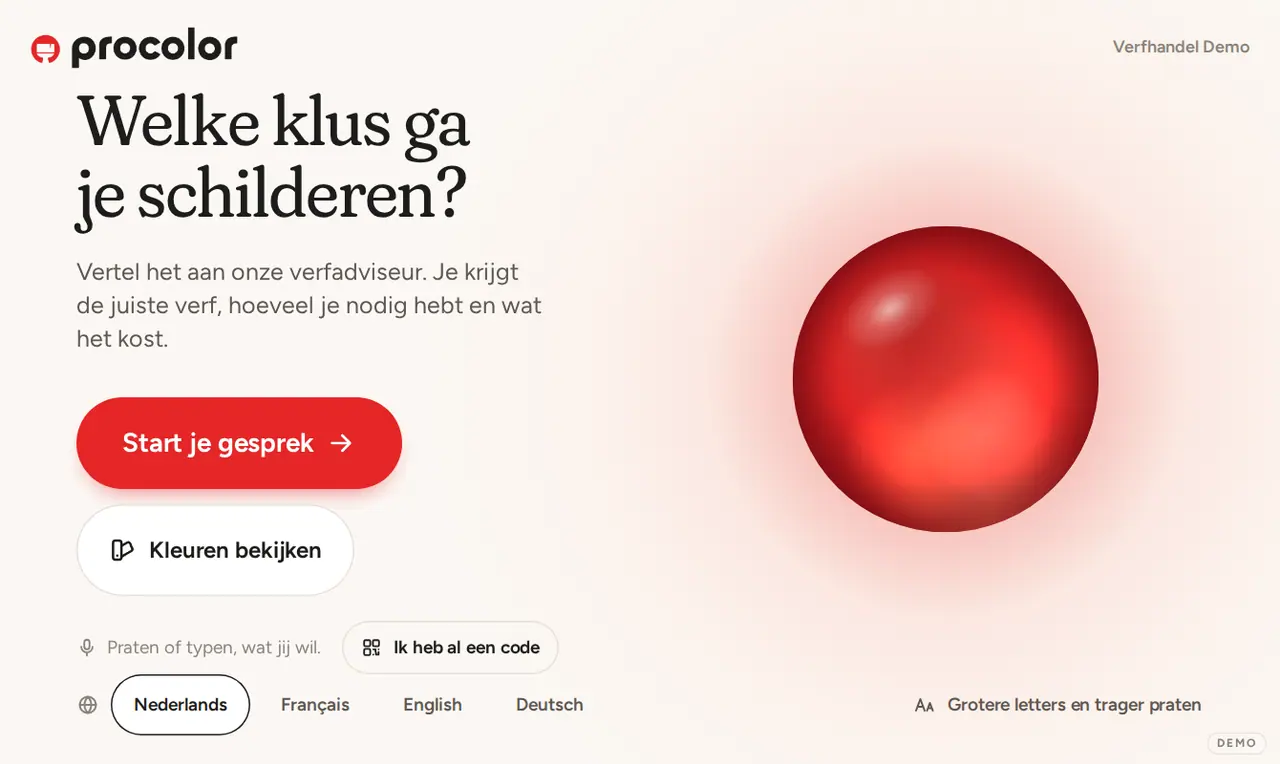
A paint advisor on a tablet, beside the swatch wall
Multi Paint in Herstal, Belgium, supplies Procolor paint to DIY shops. We built the advisor that talks to their customers there like a good salesperson. Online since 30 October 2026.
Example with demo data
- Sector
- Paint distributor, Herstal
- Languages
- NL, FR, EN, DE
- Live since
- October 2026
At the swatch wall
A tablet that talks like your best salesperson.
The customer faces hundreds of swatches. On the tablet beside them the conversation runs, and the screen shows whatever is being said.
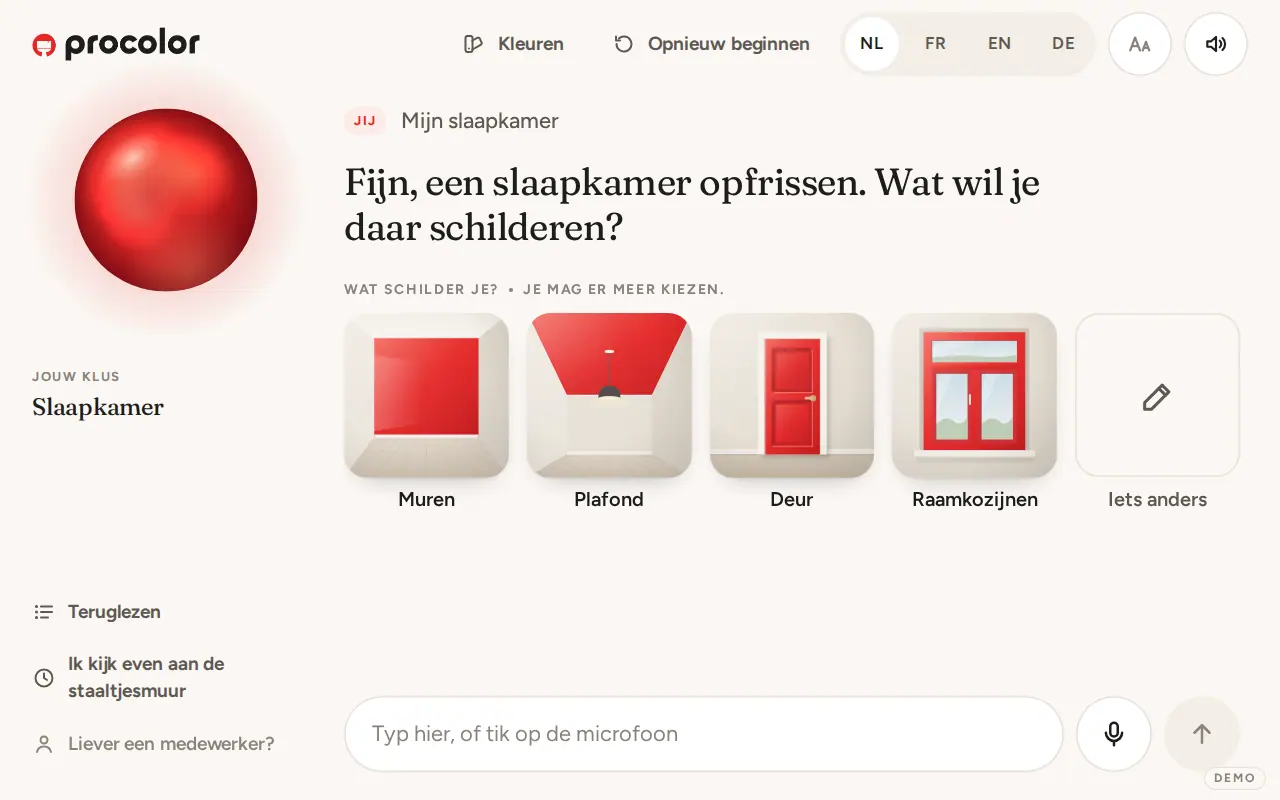
BedroomExample
Anything else to paint?
- Walls
- Ceiling
- Door, both sides
- Frames
- Skirting
- Stairs
- Cupboard
And the state of the lacquer: sound, gone dull or peeling?
Example with demo data. The kiosk speaks Dutch, French, English and German; these screens show the Dutch side.
At a wall full of swatches, questions tend to linger.
Multi Paint distributes Procolor and other brands to DIY shops. Those shops have a wall full of swatches, and customers with questions nobody answers right away. Which paint goes on a bathroom door? How many litres does a bedroom take? What else belongs in the trolley?
Multi Paint wanted a tablet at that wall with an advisor who talks like a trade expert: he asks follow-up questions, knows every product the shop sells and works out what the customer needs to buy. We built that advisor, the admin for Multi Paint and the shops, and the intake of the product sheets.
The conversation runs on Claude. A small model picks the route each turn, a mid-sized model advises and the largest writes the final advice. Area, litres and prices are worked out by our own code. Want a kiosk in your own shop? Read how we approach kiosk software development.
- product sheets from ten brands and groups, every fact with its source
- 347
- articles in the advisor's product knowledge
- 1,246
- advice rules from the trade, from surface to finish
- 443
- colours, from RAL Classic to Procolor's own shades
- 209
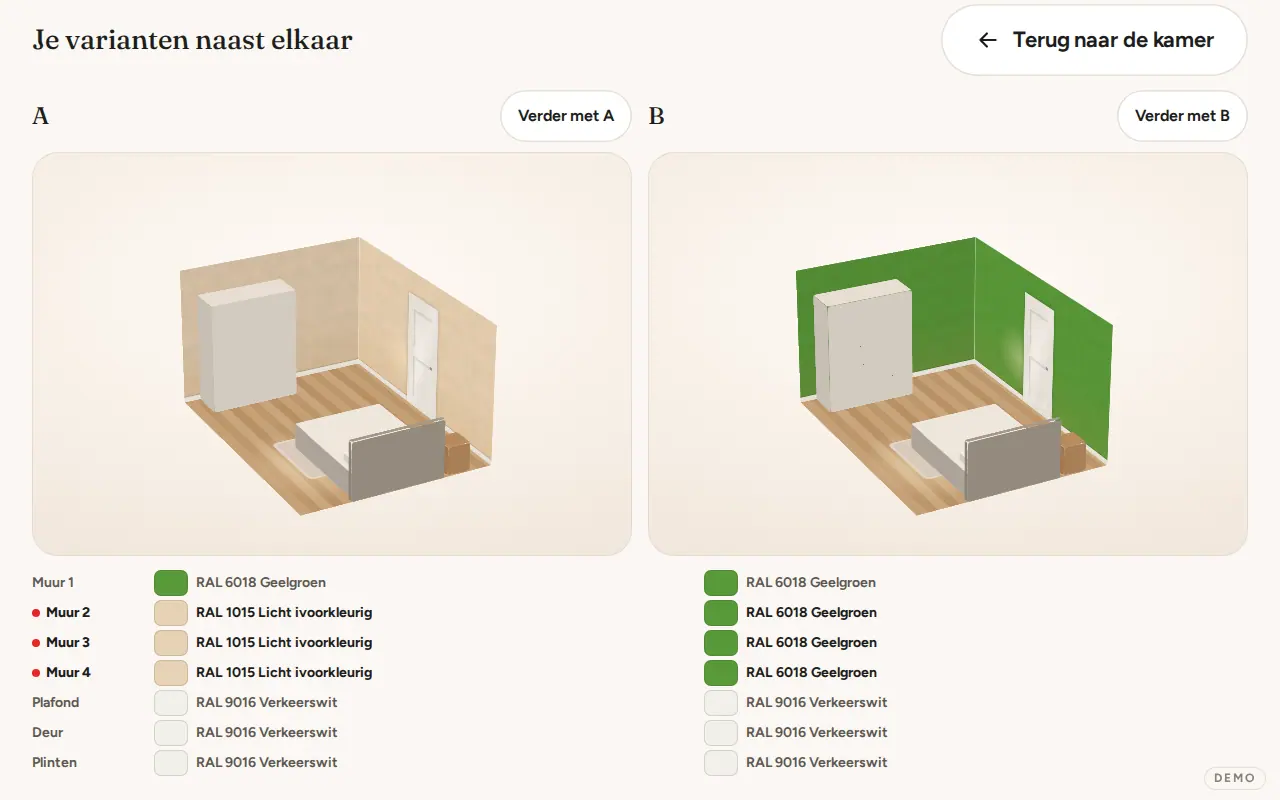
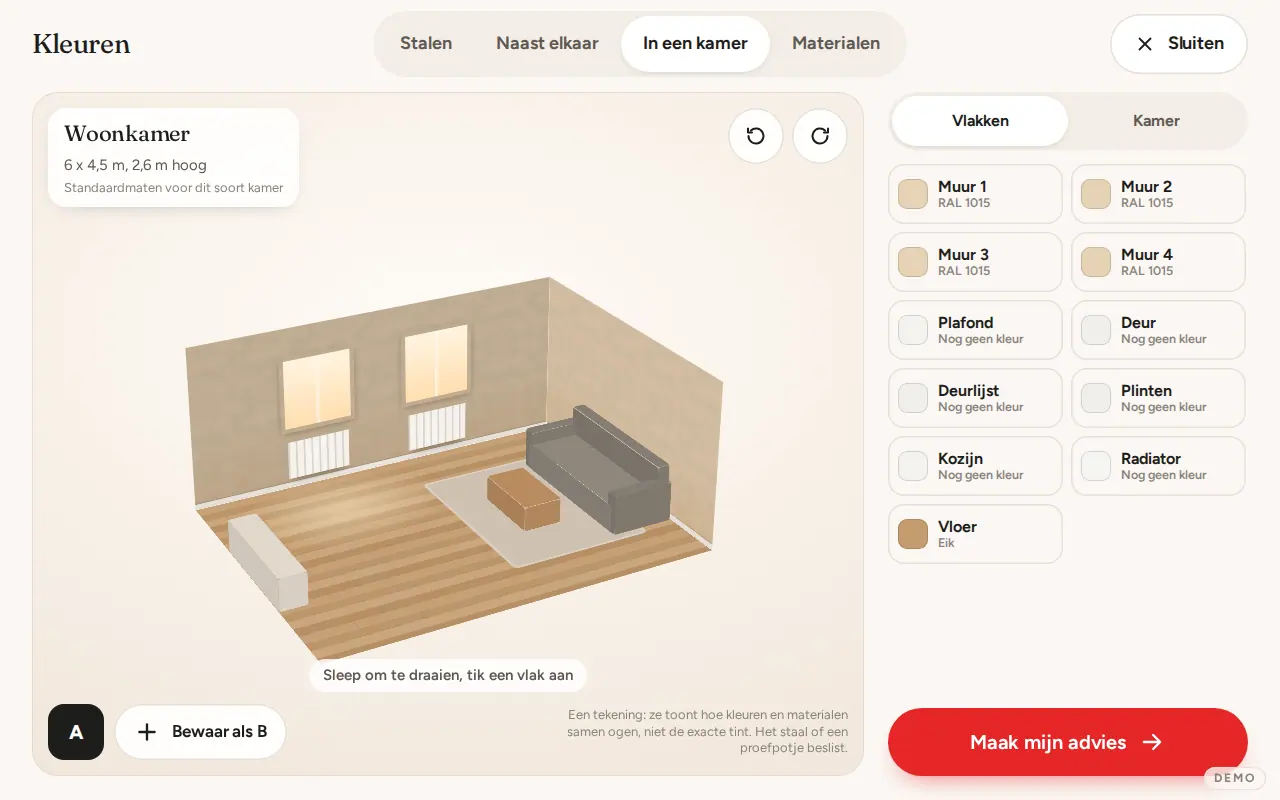
The room colours along while the customer talks.
When a customer says the living room should be light ivory, the room beside the conversation changes colour. Walls, ceiling, door, frame, skirting and radiator are each a surface the customer can tap and give another colour.
If they hesitate, the advisor lays two or three options side by side. The customer picks with a tap or a sentence, and the advice follows that choice.
- Every surface coloured on its own, by tap or by voice
- Options A, B and C compared side by side
- A drawing of the colours: the swatch or a sample pot decides
Five steps, and the list is on the phone.
A customer at the wall goes through five steps. Talking and typing work equally well throughout.
- One tap on StartFrom there the conversation runs by voice, and anyone who prefers to type, types. The screen asks one question at a time and shows the choices as large tiles with drawings of their own.
- Asking like a trade expertThe advisor asks what is being painted, on what surface and how large it is. Short answers such as the second one or RAL 9010 are recognised by the tablet itself, in Dutch, French, English and German.
- Calculating without guessingArea, litres and prices are calculated by the system, not by the language model. An amount that does not match the shop's prices never reaches the screen. Quantities follow the most cautious coverage, so nobody buys too little.
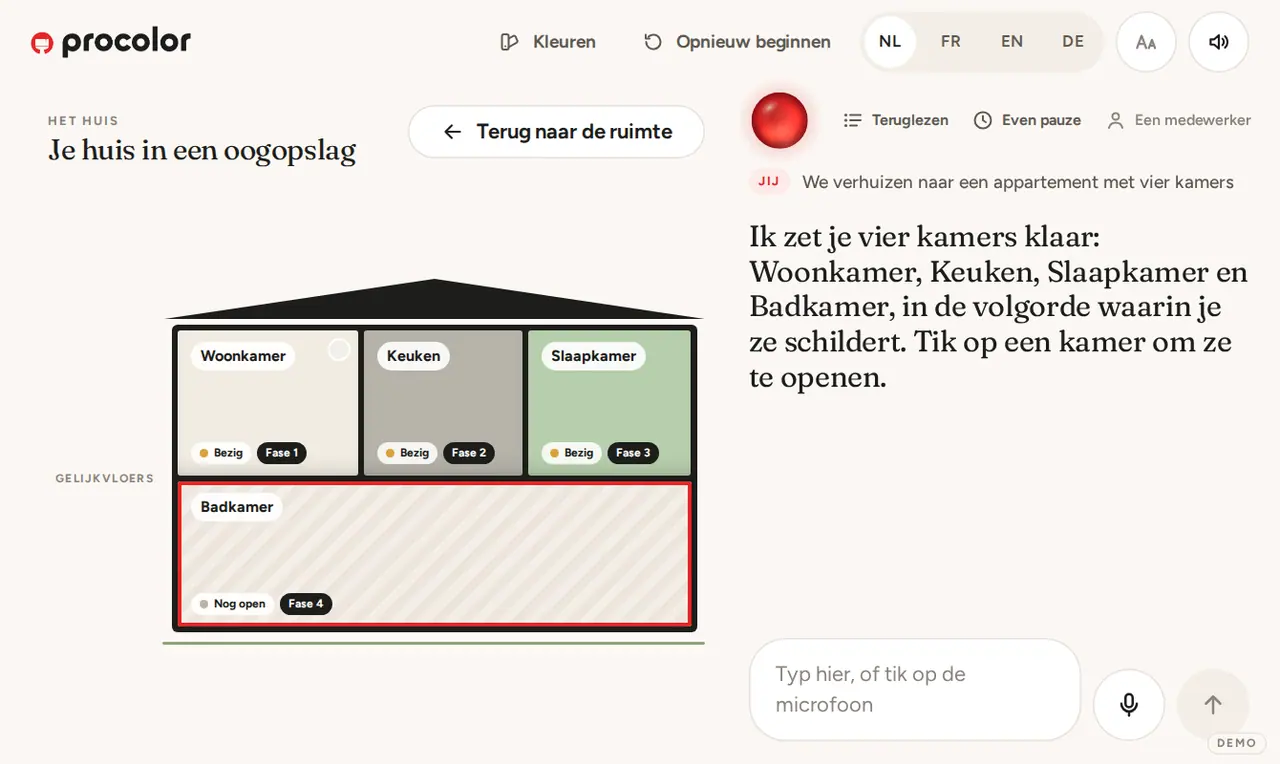
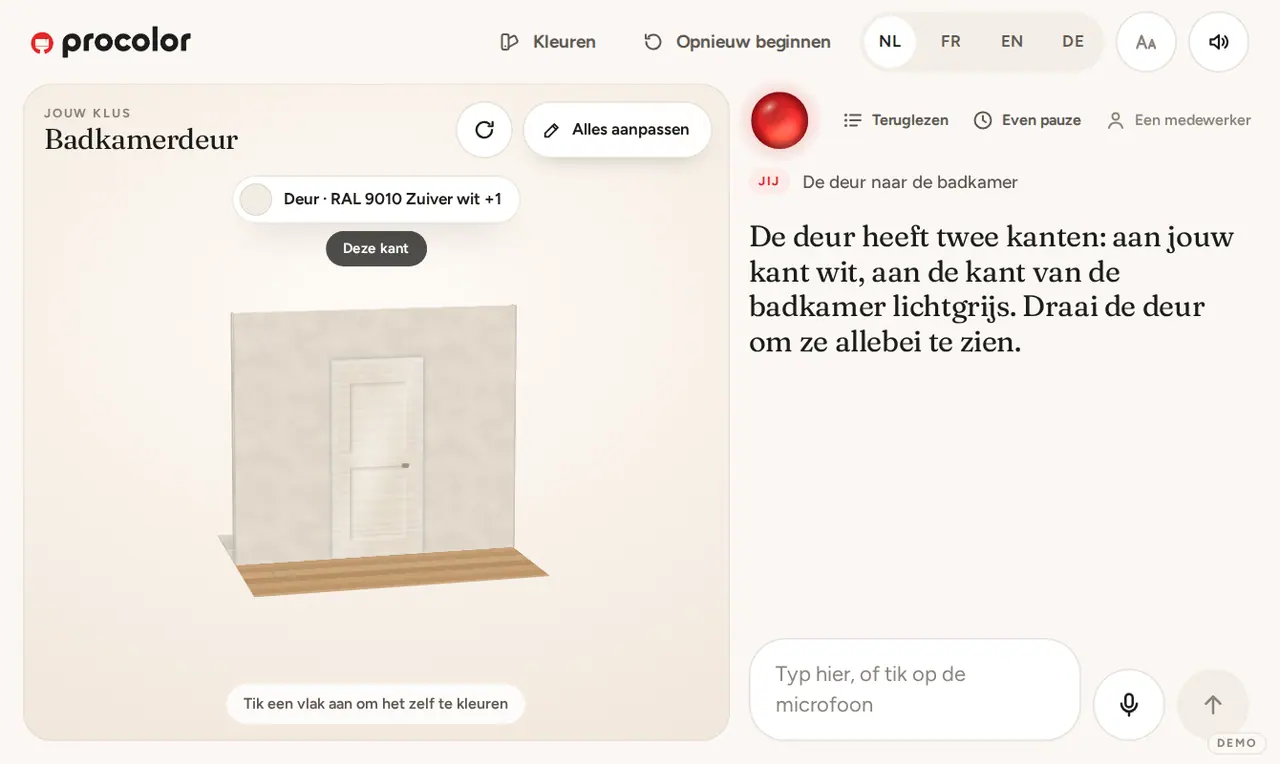
- The double check per roomBefore the advice, the advisor asks what else needs doing: the ceiling, the doors with both their sides, frames, skirting, the stairs or a cupboard, and what state the lacquer is in.
- Taken homeThe advice shows where each product stands in the shop. A QR code puts the list on the customer's phone, with tick boxes and a step plan in the phone's language.
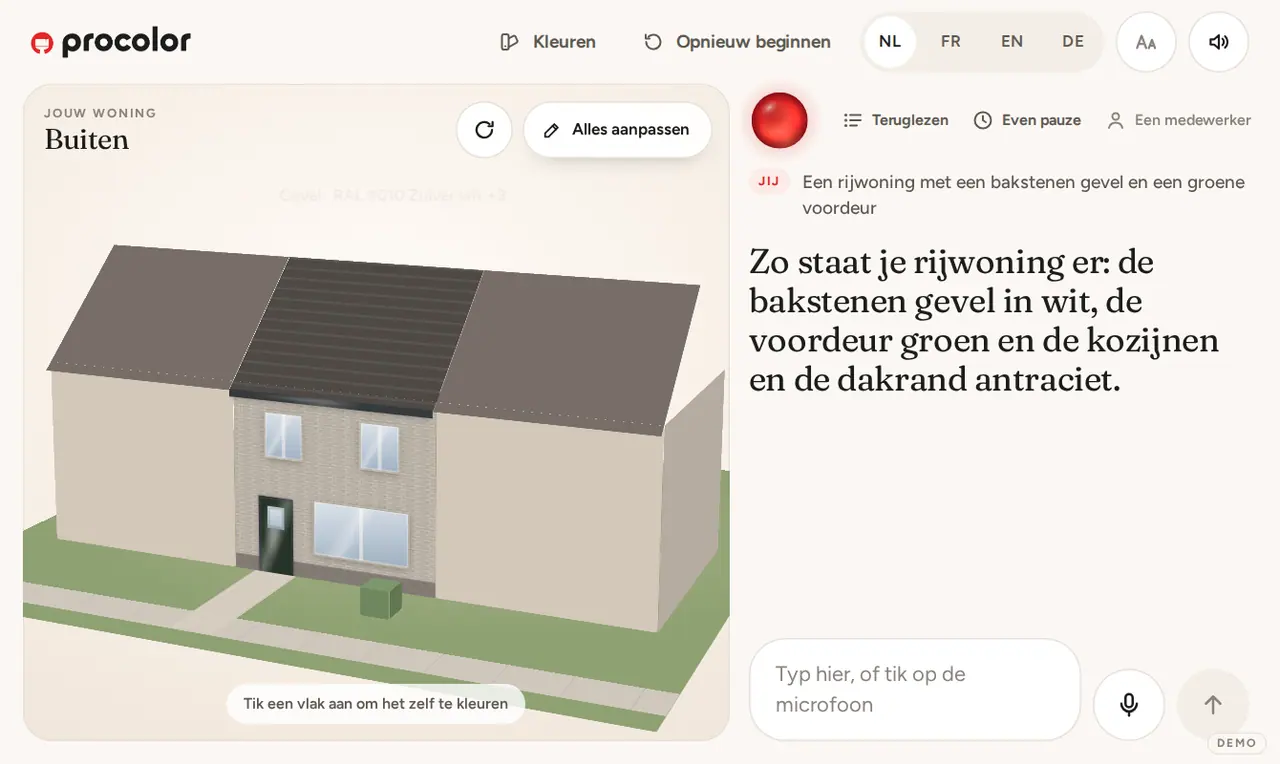
Every job gets a picture of its own.
Behind the screen: admin with roles.
The kiosk is the side the customer sees. Behind it sits an admin where Multi Paint and every shop manage their own part.
A kiosk of its own per shop
Each shop sets its language, its margin and its discount, chooses which products are on and where they hang on the swatch wall.
Roles that cannot see each other
Multi Paint creates the shops but never sees their margin or discount. A shop never sees the base price, nor the products of another shop.
Tablets paired with a code
A tablet pairs with a code that is valid for ten minutes. After a while without a touch the kiosk starts over, so the next customer sees nothing of the previous conversation.
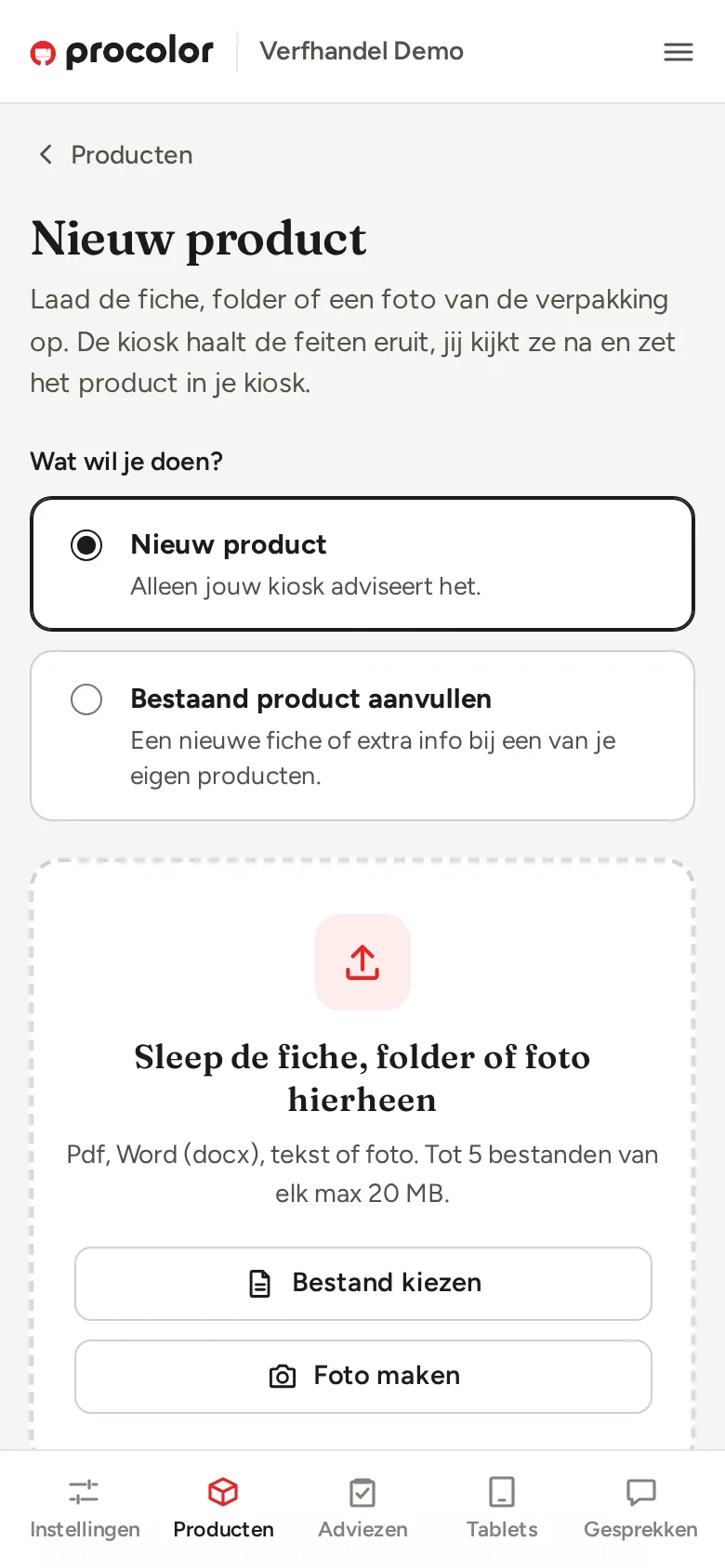
Sheets read from a pdf or a photo
A shop or Multi Paint uploads a product sheet as pdf, Word, text or photo. It becomes a proposal, never a product straight away: a person approves it before it reaches the kiosk.
A source behind every fact
Every fact about a product carries a literal quote from the sheet, and the system checks that quote. A fact that comes from a photo is marked as such.
Conversations read back
The shop reads back the conversations of its kiosk and sees what customers are struggling with.
What the advisor does not know, he says.
The product knowledge comes from Multi Paint's sheets, with the page attached. If a drying time or a surface is missing, the advisor says so honestly instead of making something up.
This work for your situation
What we built for Procolor AI, we build for your trade and in your city too. Here is how.
Book a callFor your trade
Is there a shelf full of questions in your shop too?
Tell us what your customers ask at the counter or in the aisle. We look together at whether an advisor on a screen can take work off your hands there.
Rather get in touch right away?