On this page
You set up a Facebook page for your business from your personal profile: choose Pages in the menu, click Create page, enter a name and a category, and click Create Page. Then you add contact details, opening hours, a profile picture, a cover photo and an action button. On a computer it takes fifteen minutes.
That personal account is not a glitch. Facebook always needs a personal profile to create a page, and that profile becomes the first person with full control. Your customers do not see your profile: the page stands on its own, with its own name, followers and messages. This guide walks through the steps, helps with the choices that are hard to undo later, and tells you what to post in the first week.
Page, professional mode or group
Facebook offers three ways to show up as a business. For a small business, the page is nearly always the right one.
| Format | For whom | What you get | What is missing |
|---|---|---|---|
| Page | Companies, brands, associations | Own name, opening hours, reviews, ads, several admins | Nothing a business needs |
| Personal profile in professional mode | Creators and freelancers who work as themselves | Followers and insights on your own name | No shared management, more limited ads |
| Group | A community around a topic | Members who talk to each other | No business details, no ads |
A page can be run with colleagues or an agency without ever sharing your own password. That alone is reason enough.
What to prepare before you start
Have five things ready and you will get it right the first time:
- The name your customers know you by, without a slogan behind it. Facebook bans variations of the words Facebook and Meta, and names that are only a generic word.
- A category that says what you do: hair salon, accountant, builder. You can pick more than one; the first carries the most weight.
- A profile picture of 320 by 320 pixels or larger, usually your logo on a plain background.
- A cover photo, ideally a real photo of your premises, team or work. The right sizes are in our guide to social media image sizes.
- Contact details: phone, email, website, address and opening hours.
The steps on a computer
These are the steps as they appear in the Facebook menu on 1 November 2026.
Creating the page in seven steps
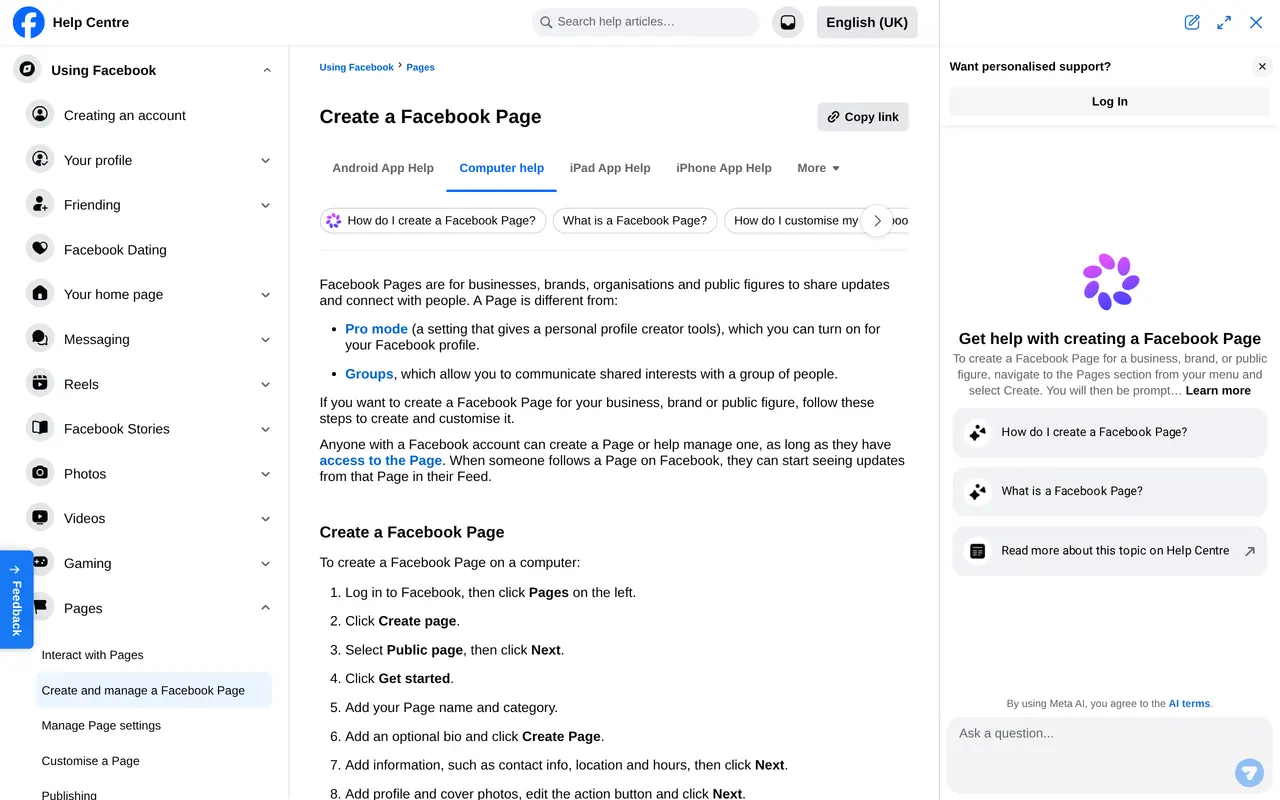
- Open PagesChoose Pages in the left menu and click Create page. Facebook asks what kind of page: choose a public page.
- Name and categoryEnter your business name and type the category. Pick from the suggestions Facebook shows.
- A short bioOptional, but do it: one sentence on what you do and for whom. Then click Create Page.
- Contact and locationPhone, email, website, address and opening hours. Customers look for these first.
- Photos and action buttonProfile picture, cover photo and a button such as Call, Send message or Visit website.
- Invite peopleFacebook suggests inviting friends. Skip that until the page has content.
- Set notificationsChoose to be notified about messages and comments, so no customer is left without an answer.
Choices that are hard to undo
The name. You can change it, but Facebook reviews every request, and a name that differs too much gets turned down. So pick the name on your shopfront and invoices from the start. How a change works is in how to change a Facebook page name.
The owner. Create the page yourself, or have someone from your own company do it. A page that a former employee or agency set up under their own name is hard to get back. If you use Meta Business Suite, add the page to your company's business portfolio. Then your company owns it, not a person.
The username. After creating the page you choose a short username, the part after facebook.com/ in your web address. It goes on your business cards and website. Keep it short and recognisable, without numbers nobody remembers.
Admins from day one
Whoever creates the page gets full control. Give a second person from your company full control right away, so the page is not orphaned if your account is ever blocked or you lose your password. Facebook deactivates a page without anyone holding full control and schedules it for deletion. Give an agency or freelancer partial access or task access. The difference is in how to add an admin to a Facebook page.
Ready for your first visitor
- Name, category and bio in order, without typos
- Profile and cover photo at the right sizes, checked on a phone
- Phone, email, website, address and opening hours filled in
- An action button that does what customers want most
- Two people from your own company with full control
- A short username for your web address
- The page linked to your Instagram account
- Three posts ready for the first week
The first week on your page
An empty page does not build trust. Have three posts ready before you share the page: one saying what you do and for whom, one with a photo of your team or premises, and one answering a question customers often ask. Real photos work better than stock images.
Then post on a steady rhythm. When your audience is online differs by sector; the best time to post on social media gives you a starting point. A content calendar helps you keep it up, and a social media plan reminds you why you post. To see whether people respond, work out your engagement rate.
Have an Instagram account too? Link it to your page. Then you handle messages and comments in one place and can put the same post on both channels. How that works is in how to link a Facebook page to Instagram.
Advertising with your new page
An ad on Facebook and Instagram always starts from a page. Once your page has content, you can advertise. What that costs is in the Facebook ads cost guide. Torn between Meta and Google? Read Meta ads or Google Ads. To measure what your ads bring in, you also need a Meta pixel on your site, behind a cookie banner that asks before it measures.
Your first month in a table
| Week | What you do | Why |
|---|---|---|
| Week 1 | Profile picture, cover photo, info, button and a first post | A visitor sees right away who you are |
| Week 2 | Link Instagram and add a second admin | One inbox, and the page does not hang on one person |
| Week 3 | Invite customers and partners, link it from your website and email signature | Your first followers come from people you know |
| Week 4 | Schedule two or three posts a week, look at the numbers | You see what lands and adjust |
A page without posts looks like a closed shop. Two good posts a week do more than a daily post nobody reads. Start with what customers often ask, a look behind the scenes and your work. How the algorithm of Instagram, your second channel, spreads those posts is in the Instagram algorithm in 2026.
After that first month, review the whole page once a year. Are the opening hours, the address and the phone number still right? Are there admins on it who have left? Does the link in your info still lead to a page that exists? An outdated page costs trust with the people who just found you. Replace your cover photo when your offer changed, and check that the button at the top still asks for what you want: a call, a message or a visit to your website.
Rather not do it yourself?
You can have us manage your Facebook page: we create or refresh the page, and you stay the owner with full control. What agencies charge for it is in social media management pricing.
Profile, ownership and cost
Can I create a page without a personal profile?
No. Facebook needs a personal profile to create a page. Your customers do not see that profile, only the page.
Does a Facebook page cost money?
No, creating a page and posting are free. You only pay when you advertise or boost a post.
Can I convert an existing profile into a page?
Facebook used to offer that for profiles used as a business. Today it is better to start a new page and point to it from your profile.
How many categories can I pick?
You can pick more than one, but the first matters most. It helps decide which searches your page appears in.
Does my page need a business portfolio?
Not required, but wise once you advertise or work with an agency. Then your company owns the page, not a person.